Case study: AI customer service answering order enquiries in real time
This case study uses the same retail demo project as Store stockout → inter-store transfer, but builds on a Flow Agent rather than a Managed Agent, demonstrating a lighter-weight pattern: a customer asks about an order status in the support chat window on an e-commerce site, and AI queries the real data and replies directly, without waiting for a human agent to come online.
Scenario
While browsing products on the retail e-commerce site, a customer types this into the support chat window on the right:
I'd like to check my order
Questions like this used to wait for a human agent to come online, and customers often heard nothing until the next day.
Here an AI support agent takes it immediately. Once the customer sends the message, the e-commerce site writes it into the support back office's conversation log and responds to the customer right away, without waiting for the AI. In the background it forwards that same sentence to the Flow Agent along with a set of time-limited, scope-limited access credentials. The Agent uses those credentials to query the customer's real order data, generates a reply within seconds and writes it back into the same conversation. A human agent can step into the same thread at any time without conflicting with the AI's replies.
Flow Agent: the support agent
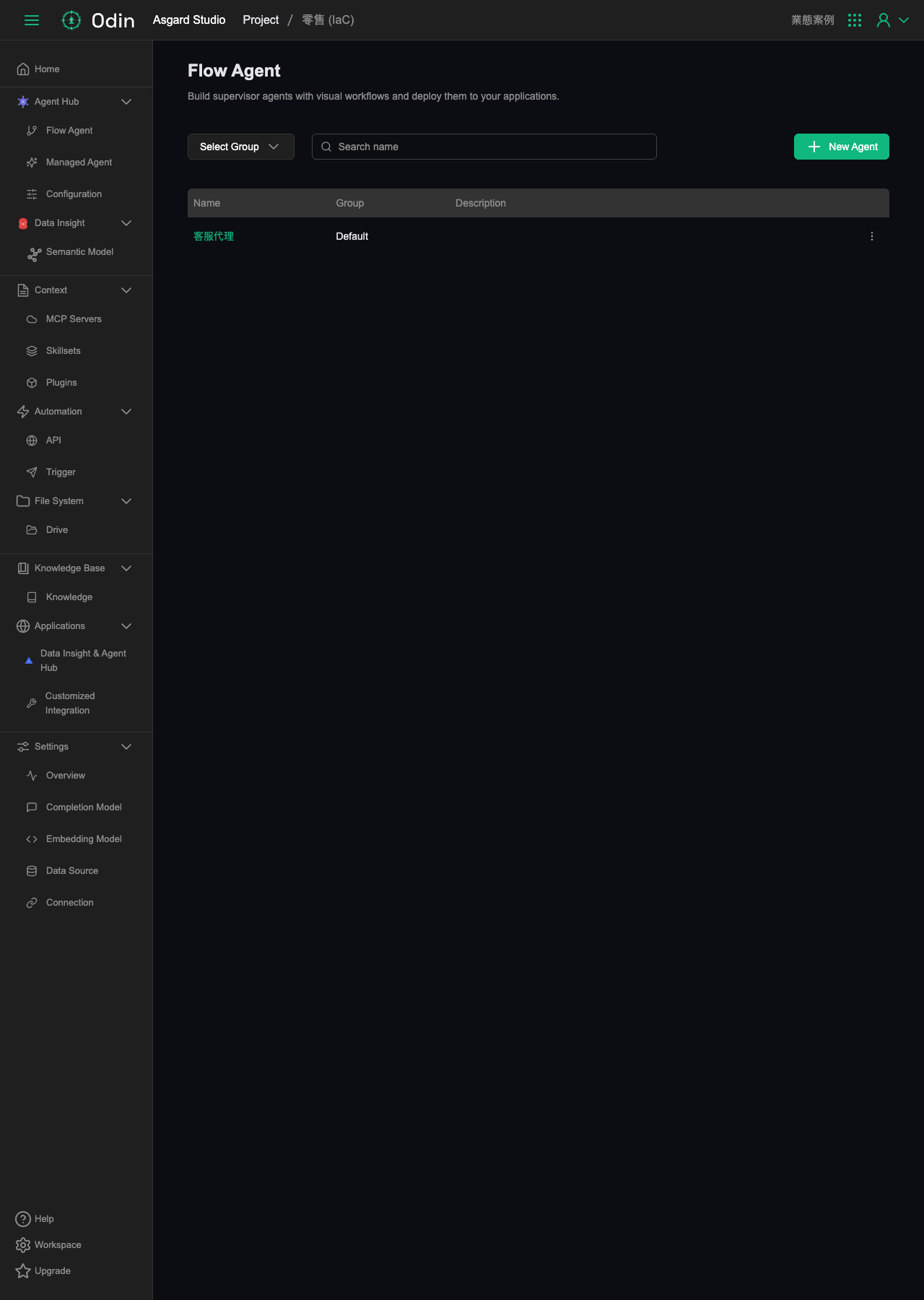
The project's Flow Agent list holds a single support agent, backed by a Workflow named wf-customer-service.
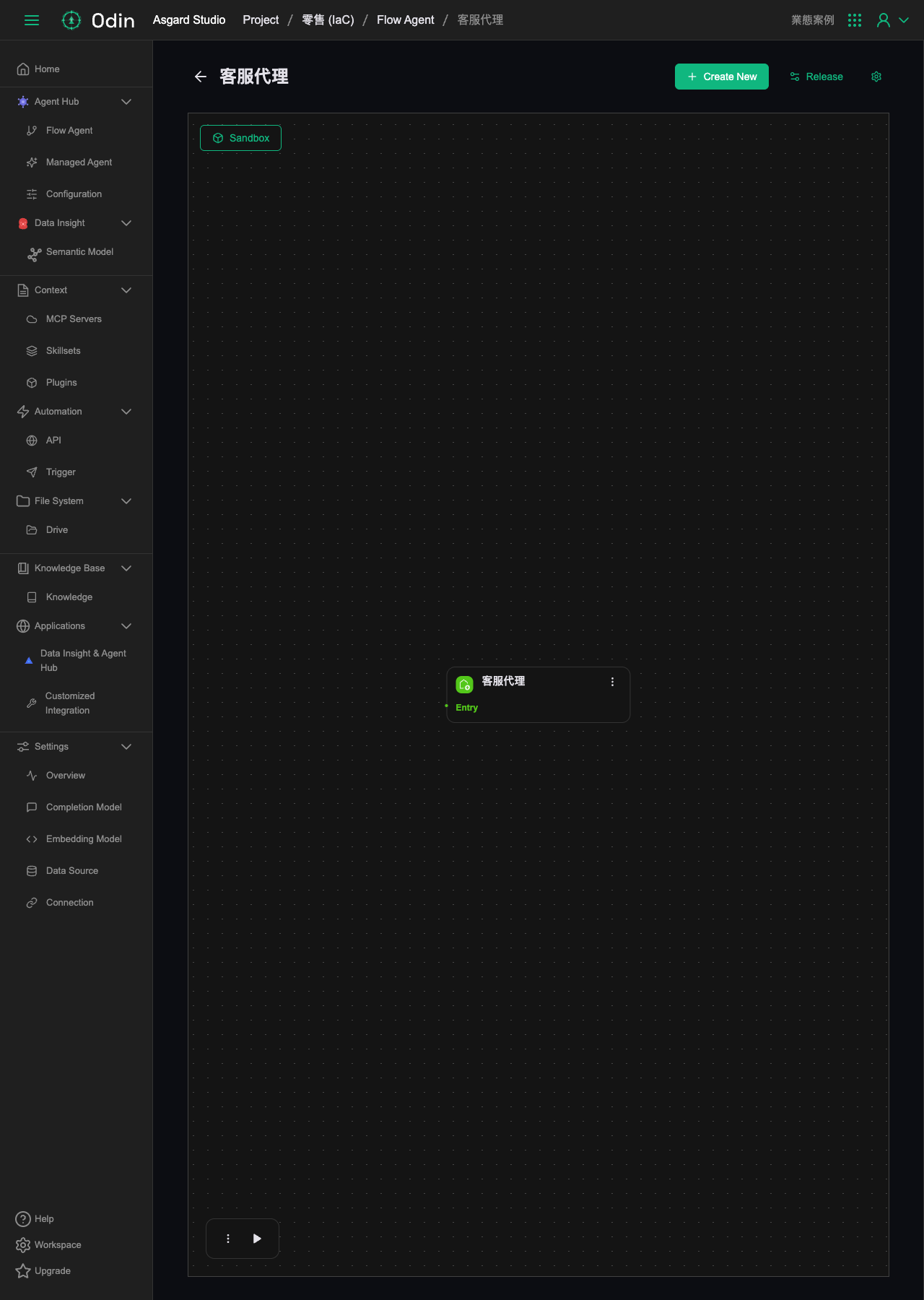
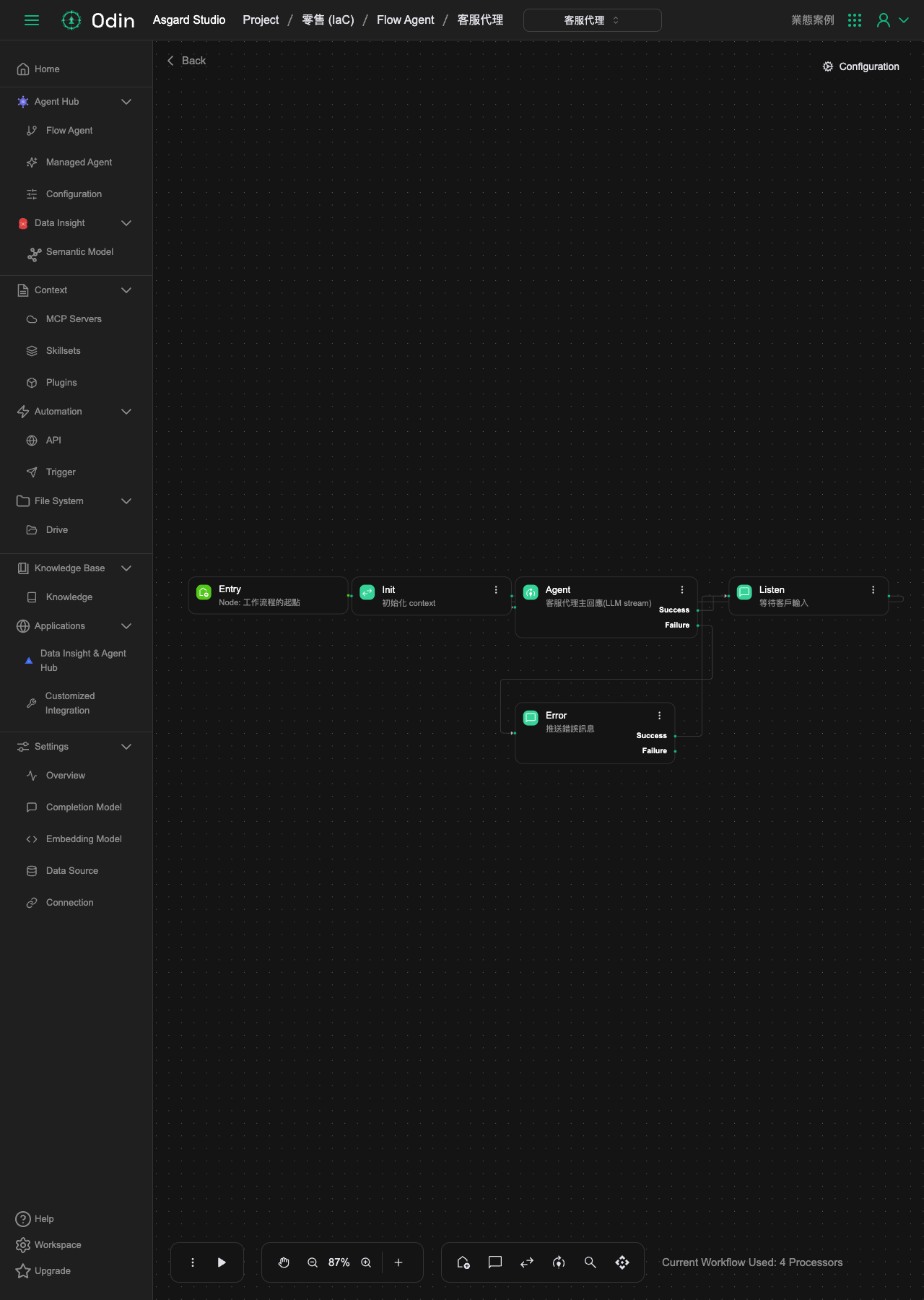
Opening it reveals a visual flow of four nodes:
- Entry: the workflow's starting point.
- Init: initializes the context.
- Agent: the support agent's main response (LLM stream). This is the node that actually calls the model to generate a reply, connecting to Listen on success and Error on failure.
- Listen: waits for customer input, returning to Agent to continue the conversation once the next message arrives.
- Error: pushes an error message, the fallback node when the LLM call fails.
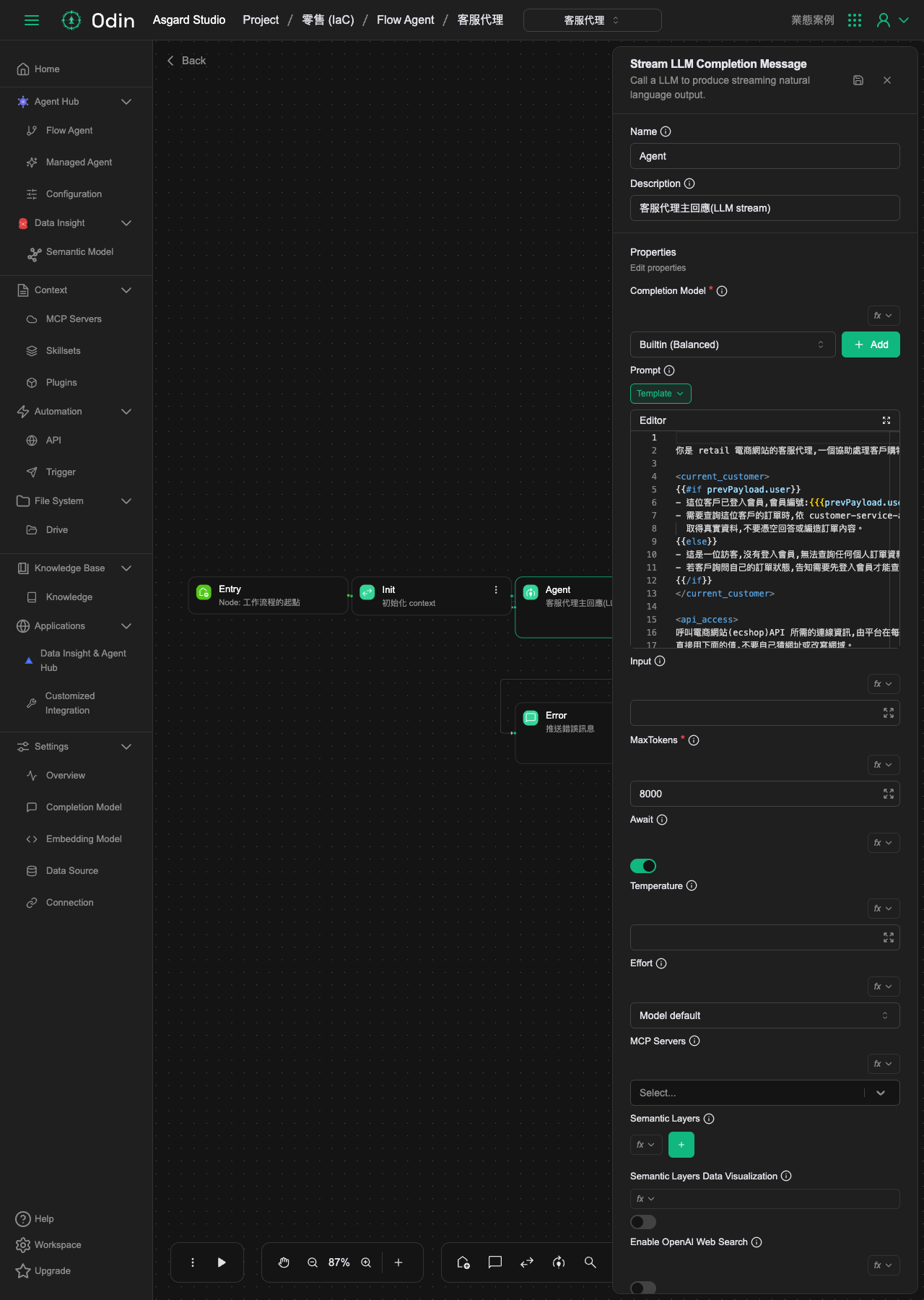
The Agent node's Prompt: identify first, then decide whether a query is allowed
Opening the Agent node reveals a Stream LLM Completion Message processor, whose Prompt uses {{#if prevPayload.user}} to determine whether this customer is signed in as a member:
- Signed in: the Prompt carries this customer's member ID, and instructs that when this customer's orders need querying, it must call the API the way the customer-service-api skill describes to obtain real data, and must not answer from nothing or fabricate order contents.
- Not signed in (guest): the Prompt states plainly that no personal order data may be queried, that a customer asking about order status must be told they need to sign in first, and that no other way of guessing may be attempted.
The Prompt also contains an <api_access> section explaining that the connection details needed to call the e-commerce site's API are injected by the platform on every conversation turn, and that the Agent may only use the injected values, never guess a URL or rewrite the domain. That prevents the Agent from widening its query scope beyond this one customer's data.
How this case study's design differs from the previous one
Compared with the Managed Agent in the Store stockout → inter-store transfer case study, this support agent deliberately takes a different route:
- The previous case study used a Managed Agent with a mounted Semantic Model to query. This case study's Agent node mounts no Semantic Model, and instead instructs the Prompt to call the e-commerce site's own API for order data. The order data lives in a database, so in principle a Semantic Model query would work too, but a support chat window has to guarantee that only the currently signed-in customer's own orders can be queried. Letting the LLM decide which member ID to look up carries the risk of being talked into querying someone else's data, so it calls the API directly with short-lived access credentials injected on each turn, which locks the query scope at the credential level rather than relying on the Prompt to enforce it.
- This case study is read-only for now (a customer's own orders), with no data-writing Automation Tool mounted, so no governance gate is needed. Letting this Agent act on a customer's behalf later (creating a return request, say) would require designing a separate write tool requiring human approval, rather than letting the Agent call an external system directly to do something with real consequences.