Trigger
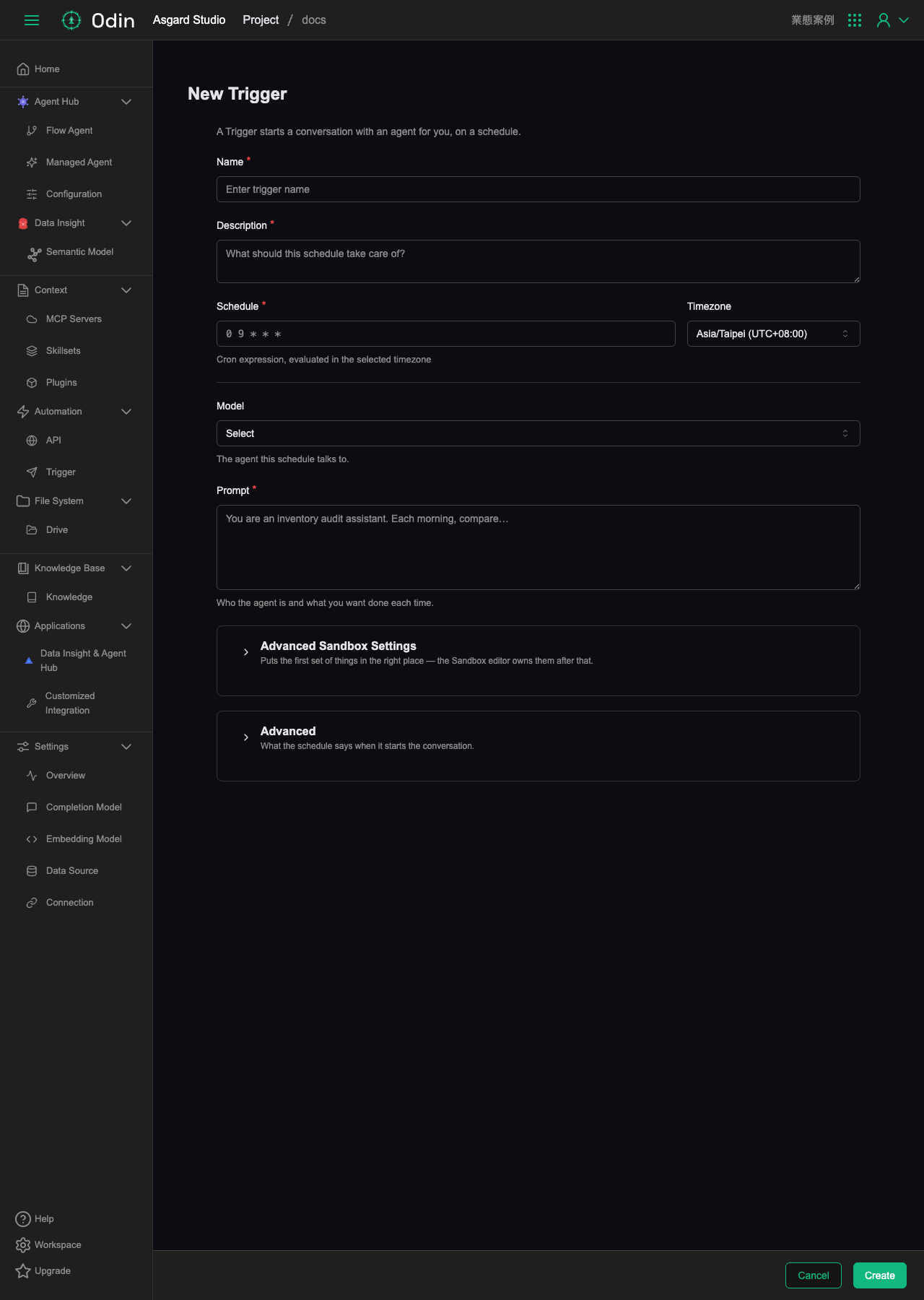
A Trigger starts a conversation with an agent automatically on a schedule. The list page supports searching by name, with columns for Name, Schedule, Active, and Last run.
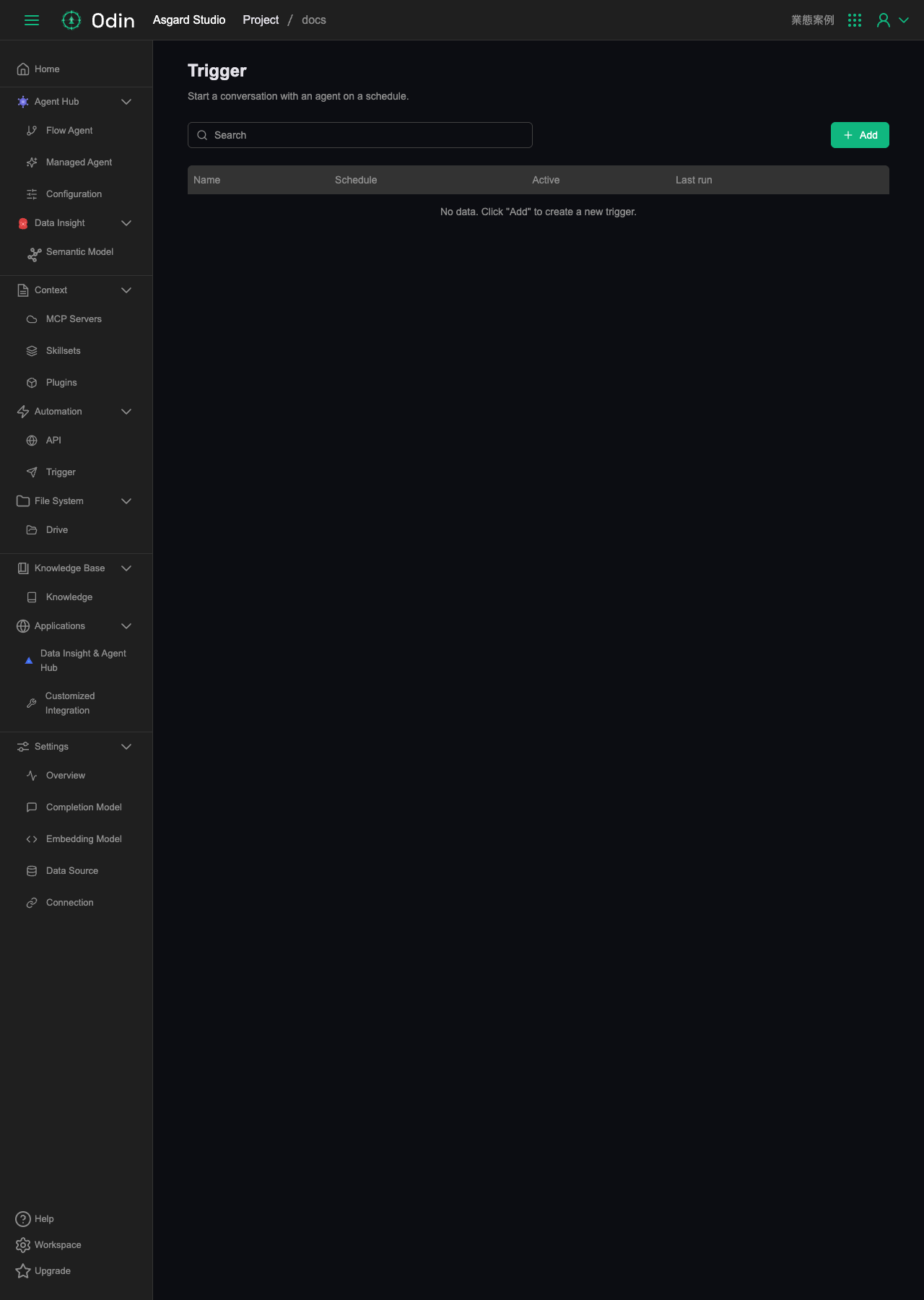
Clicking Add in the top right opens a full-page creation form:
- Name (required): the Trigger name.
- Description (required): what this schedule handles.
- Schedule (required): a cron expression, paired with a Timezone for evaluating it (defaults to Asia/Taipei, UTC+08:00).
- Model: which built-in model tier this schedule runs on. The options are the Builtin range of reasoning cost and depth, not a choice of one of the Agents under the Project. What the schedule should actually do is written in the Prompt below.
- Prompt (required): defines the agent's role and the task to complete on each run.
Below that are two expandable sections, Advanced Sandbox Settings and Advanced. The first configures the sandbox's starting environment, the second adjusts what the schedule says when it opens the conversation. Click Create to finish.