Knowledge
A Knowledge Base lets agents search the knowledge an organization has accumulated. When the list is empty, the middle of the screen shows guidance inviting you to create your first knowledge base.
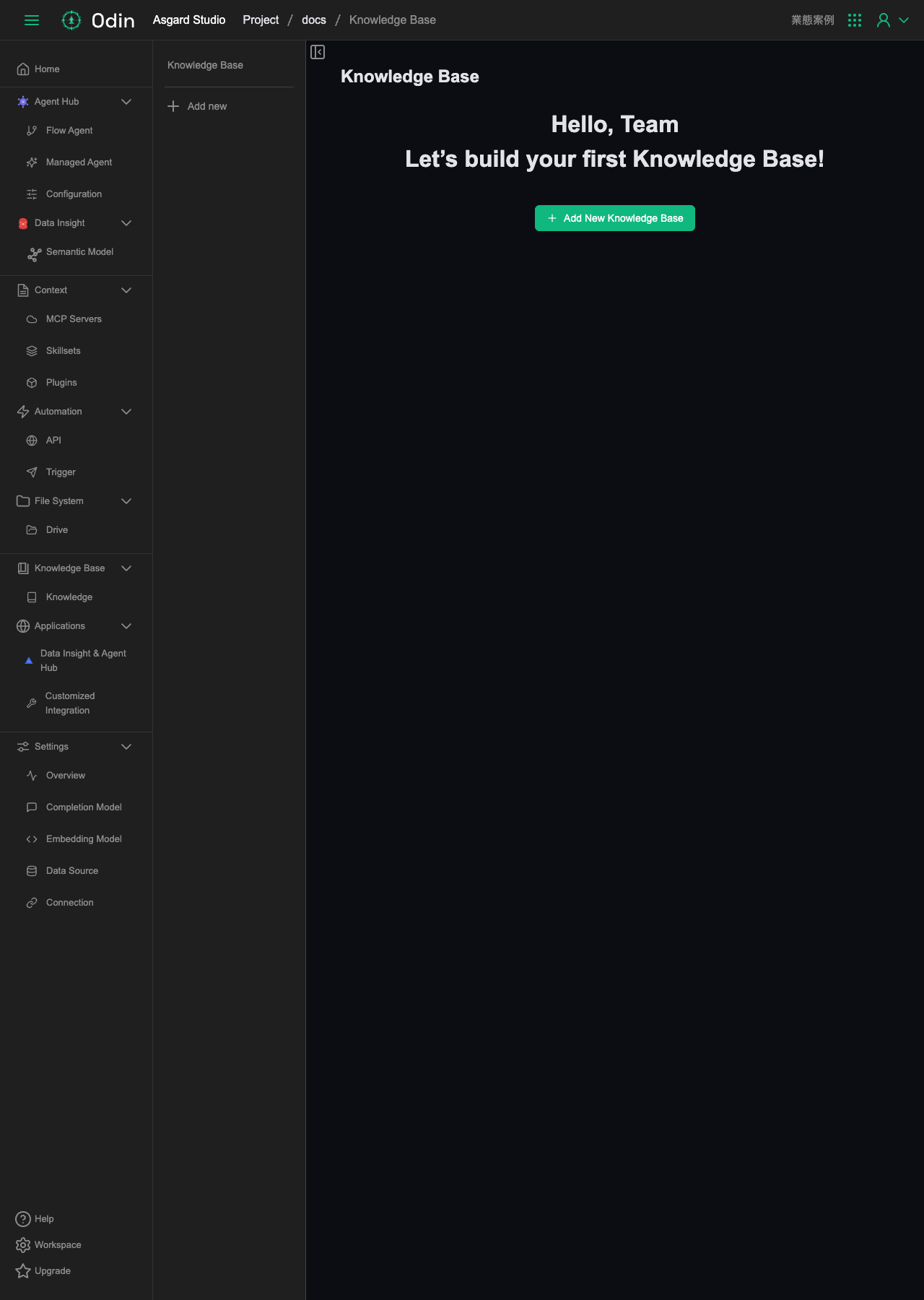
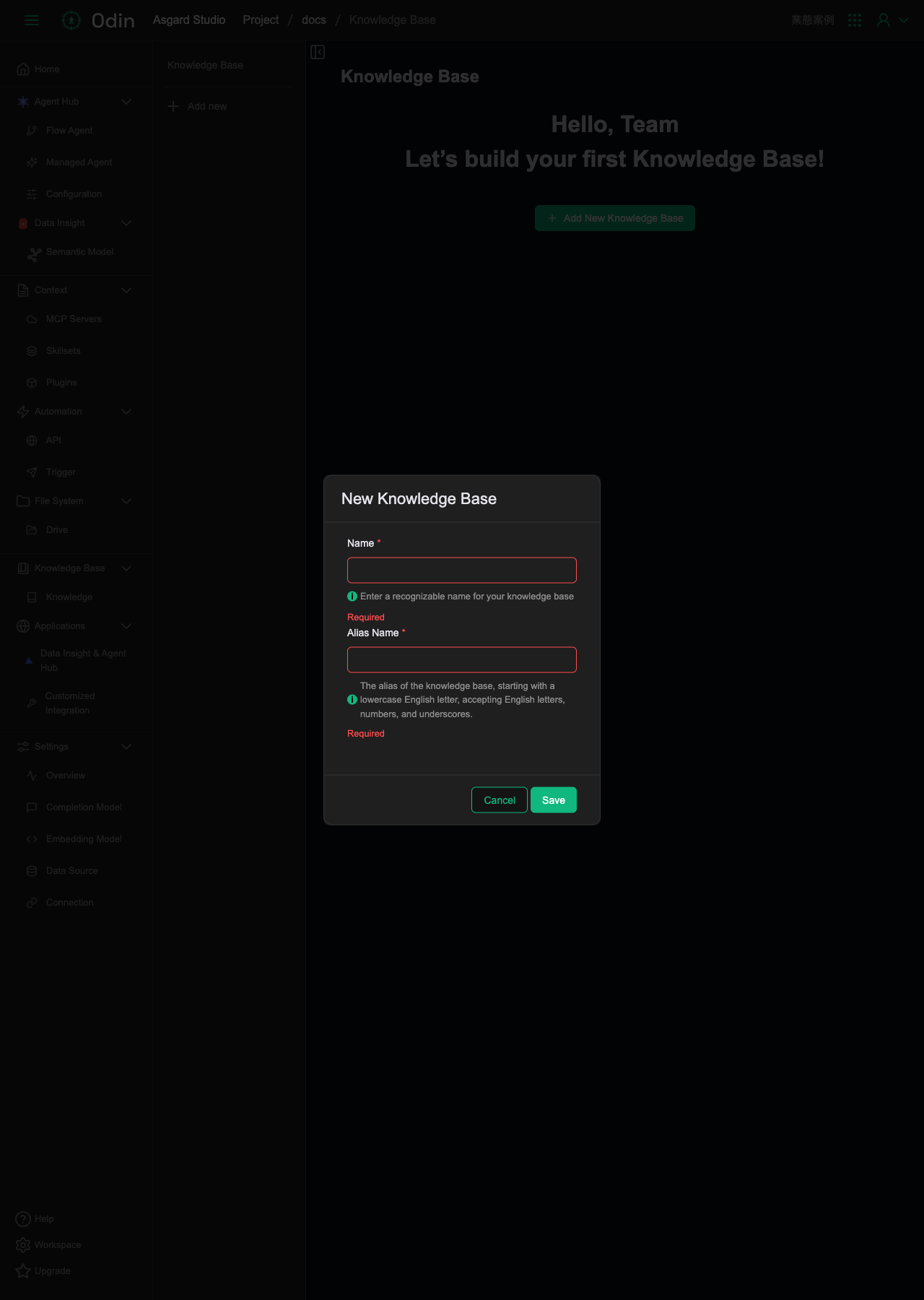
Clicking Add New Knowledge Base opens the New Knowledge Base dialog:
- Name (required): a recognizable name for the knowledge base.
- Alias Name (required): the knowledge base's alias. It must start with a lowercase letter and may contain only letters, digits and underscores.
Click Save to create it.
Content sources
Inside a Knowledge Base, content is split across three tabs, All, Manual Upload, and Auto Load. You can filter by Type and Loader, and add content with Add in the top right, choosing either Manual Upload or Auto Load.
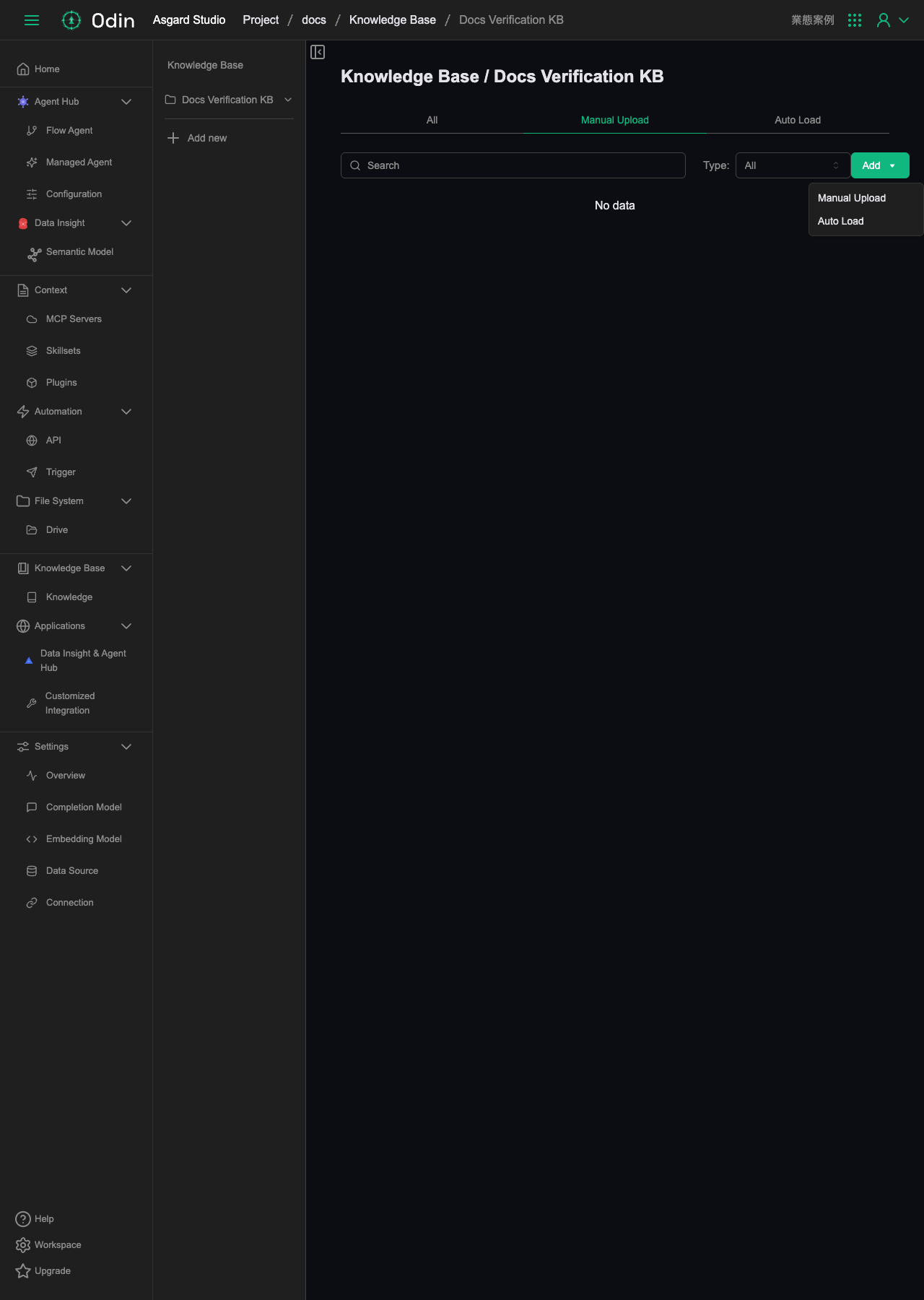
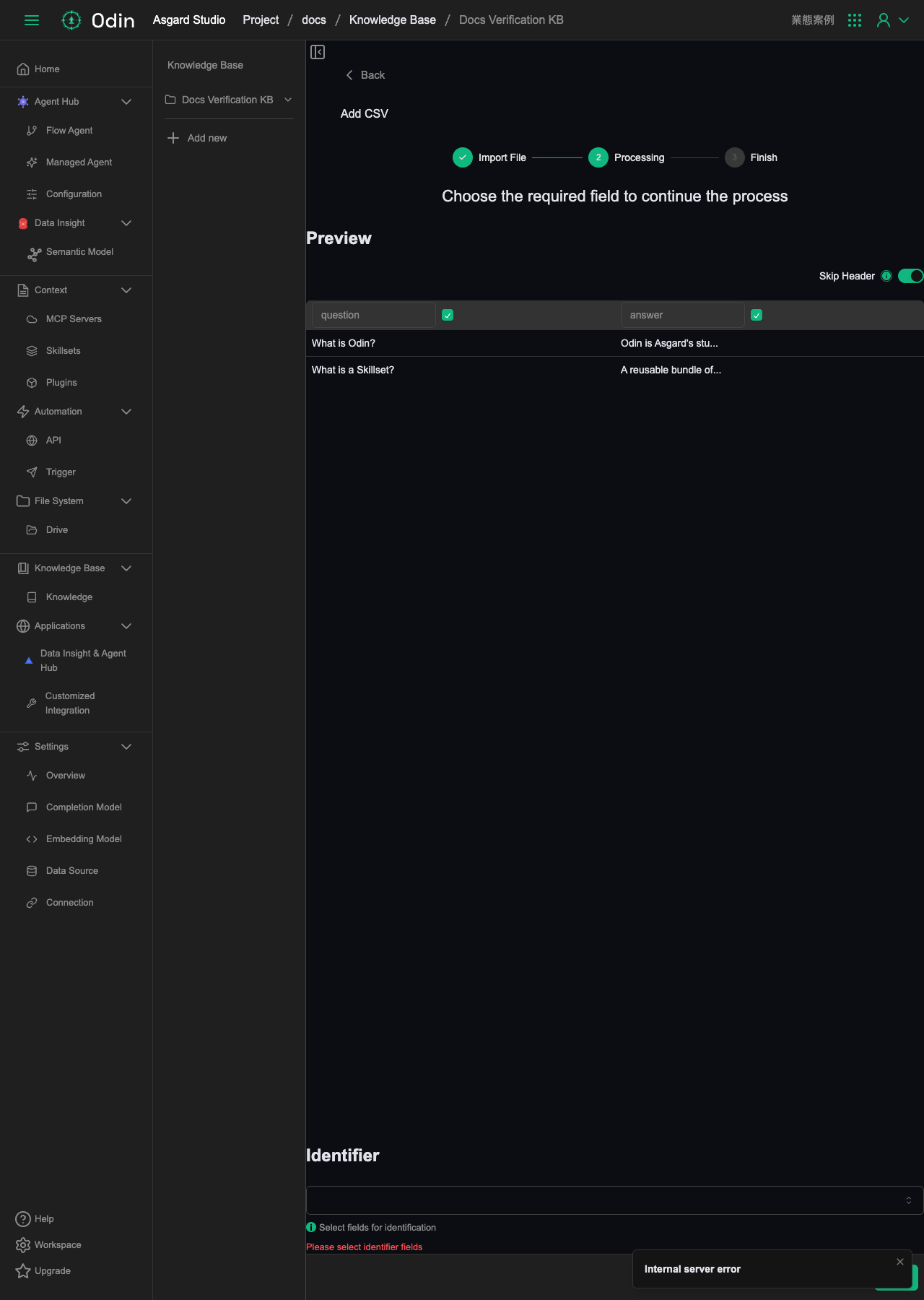
Manual Upload supports six file formats: CSV, XLSX, PDF, PPTX, DOCX, and JSON Lines. Taking CSV as an example, the upload runs in three steps:
- Import File: choose the file format and upload the file.
- Processing: preview the parsed columns. You can select which columns to include, toggle Skip Header (whether to skip the header row), and choose the column to use as the Identifier below (required, and an error appears if you skip it).
- Finish: complete the import.
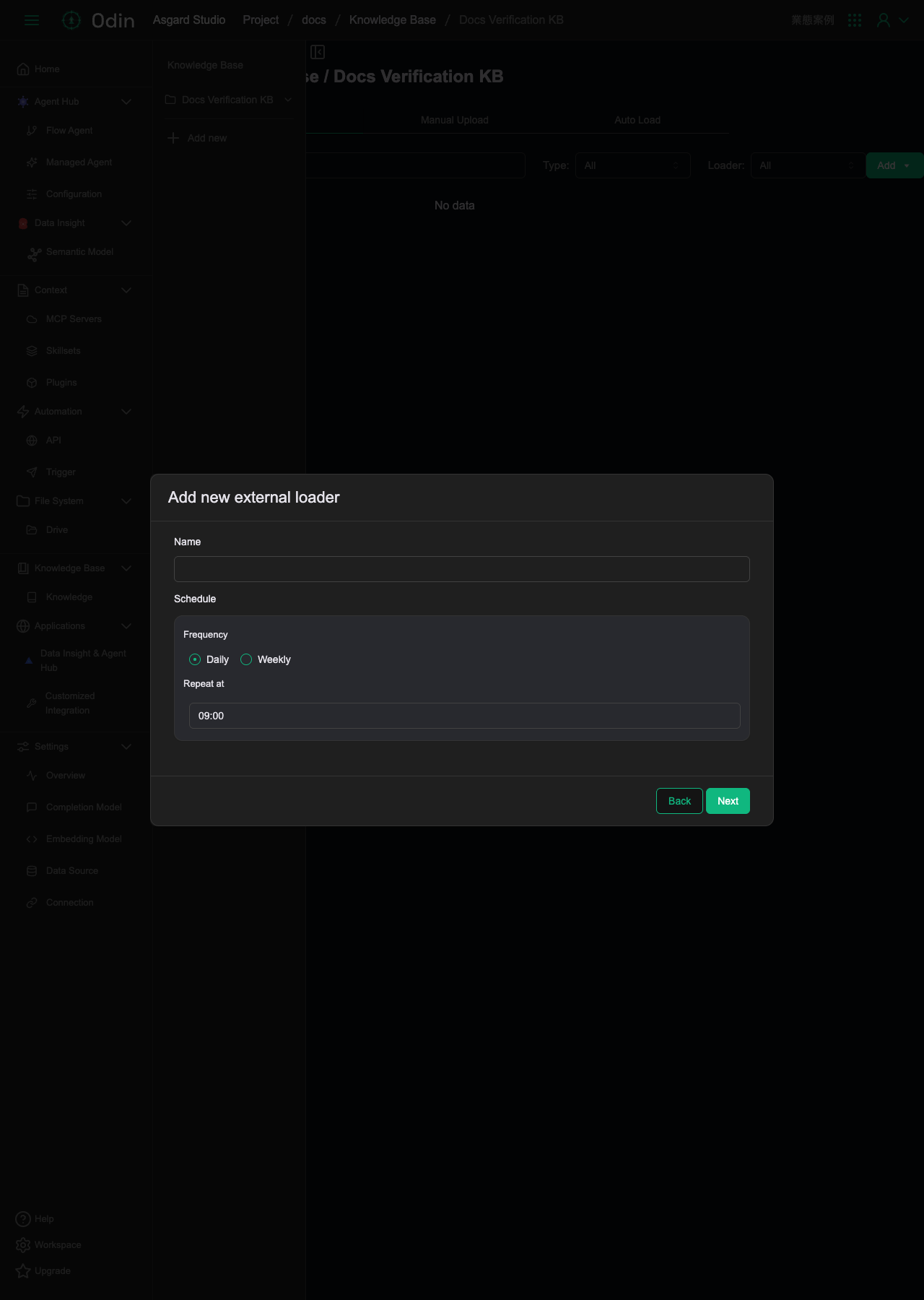
Auto Load offers three external sources: Crawler (a web crawler), Data Source (linking an already-configured database), and Asgard App (loading from published Asgard Apps). Taking Crawler as an example, after choosing the source type you fill in a Name and the Schedule settings (Frequency set to Daily or Weekly, plus a Repeat at time).
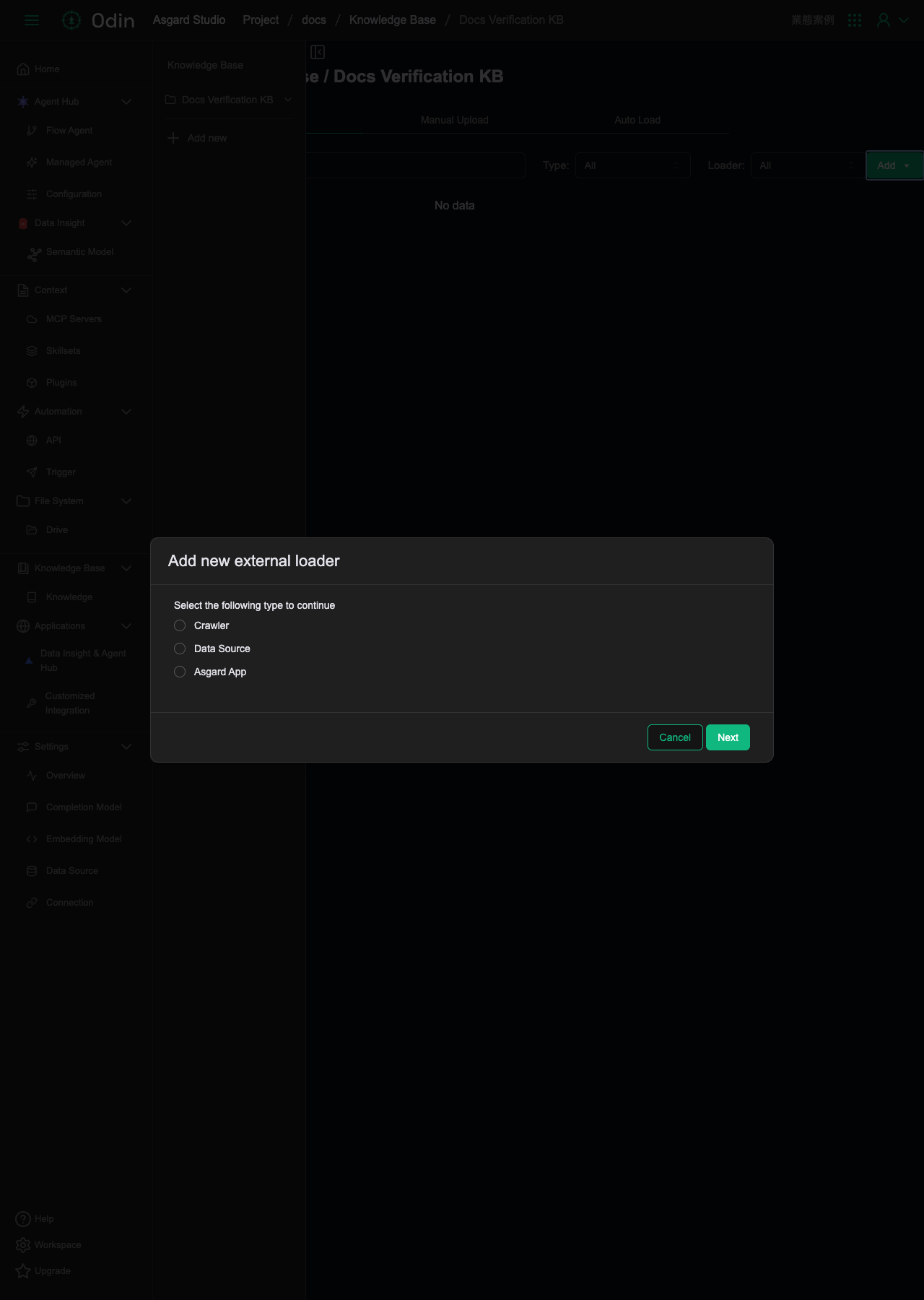
Data Source and Asgard App both require a configured database connection or published Asgard Apps to already exist in the project before you can select them.