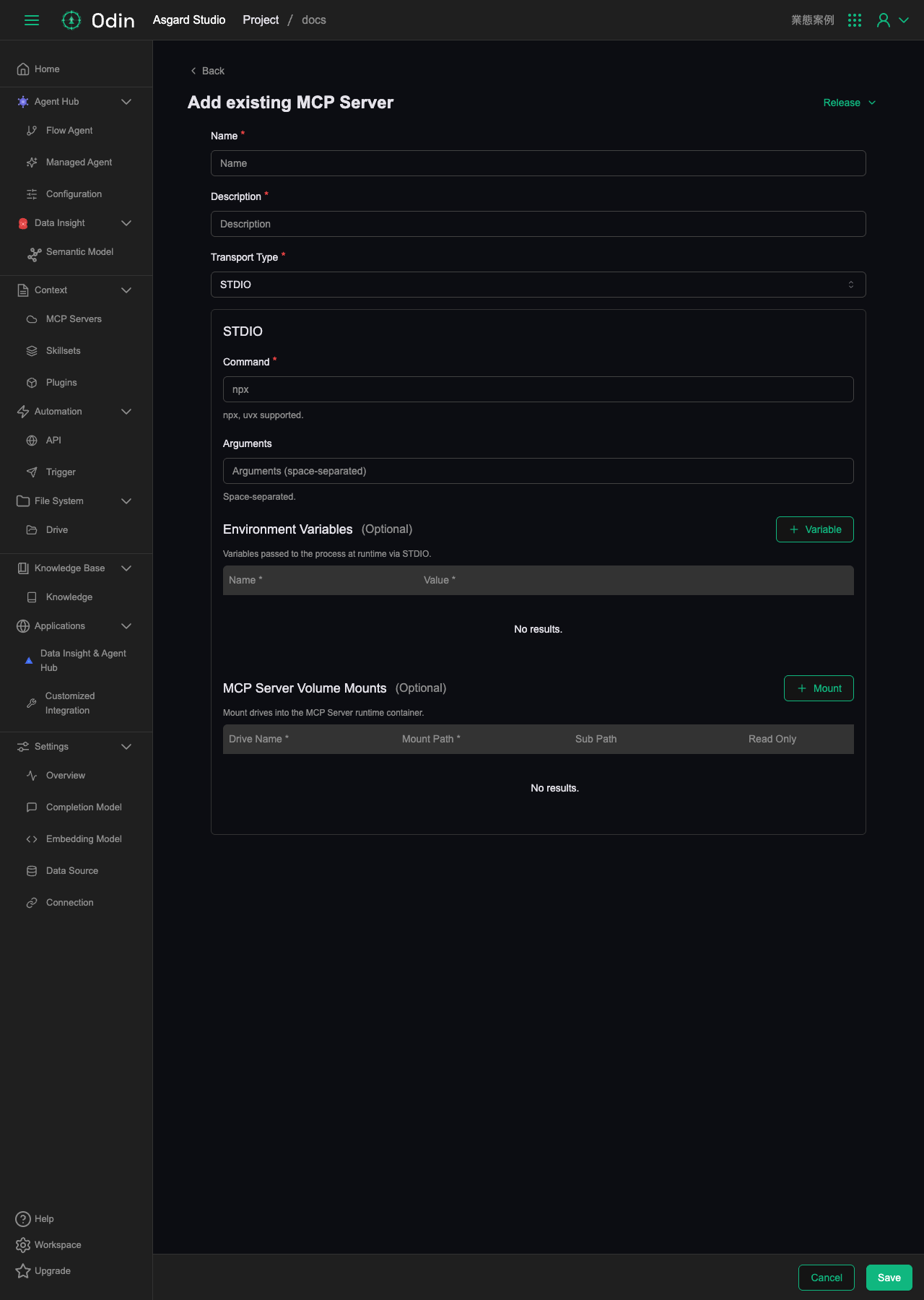
MCP Servers
Model Context Protocol (MCP) servers let agents connect to external tools, data sources and custom functions. The page lists the MCP Servers created under this Project.
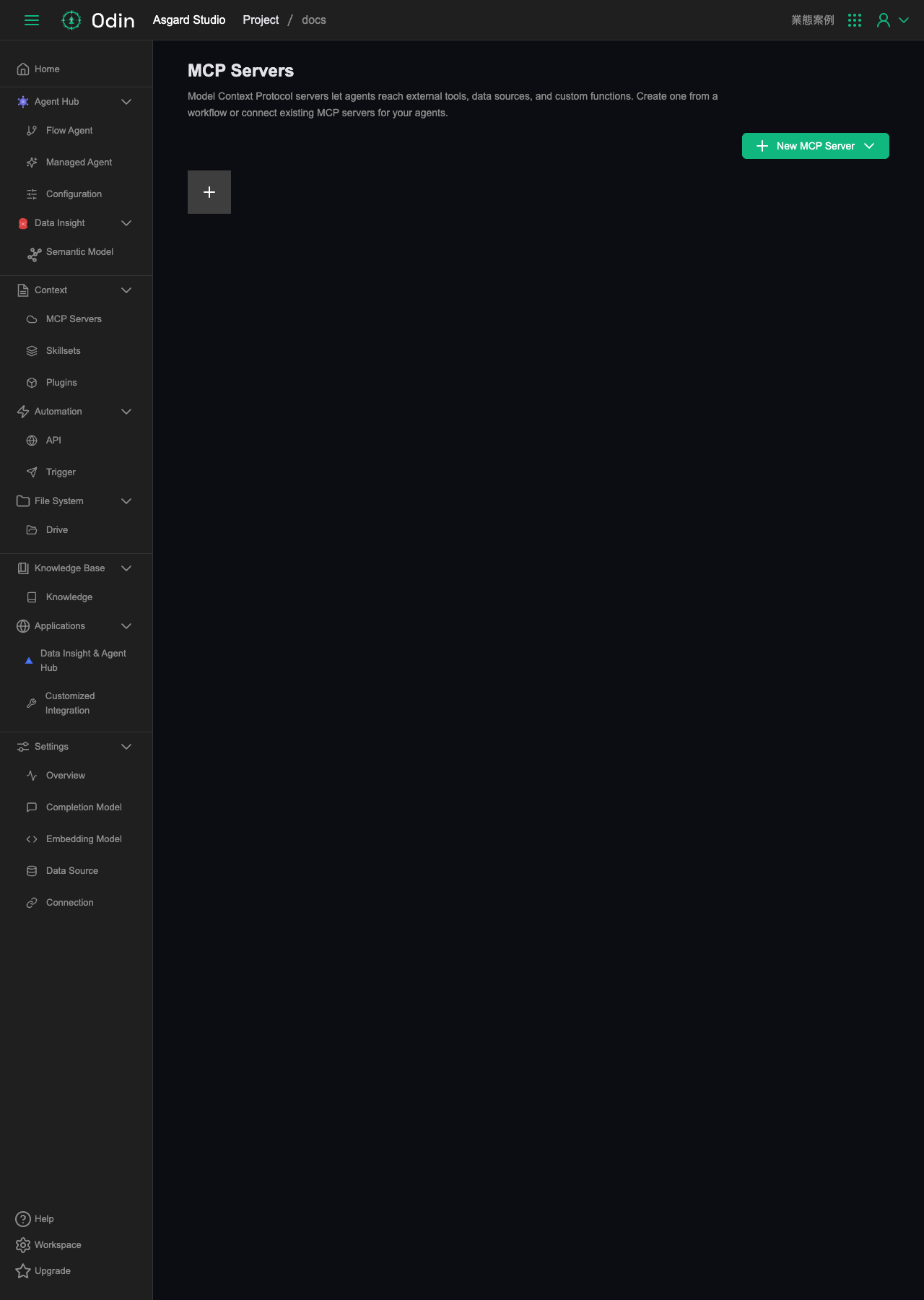
Clicking New MCP Server in the top right offers two ways to create one:
- From Workflow: wrap a Workflow as an MCP Server. You only fill in Name and Description, then define the actual tool logic in the Workflow editor afterwards.
- From Existing MCP Server: connect to an external MCP Server that already exists and launches over STDIO.
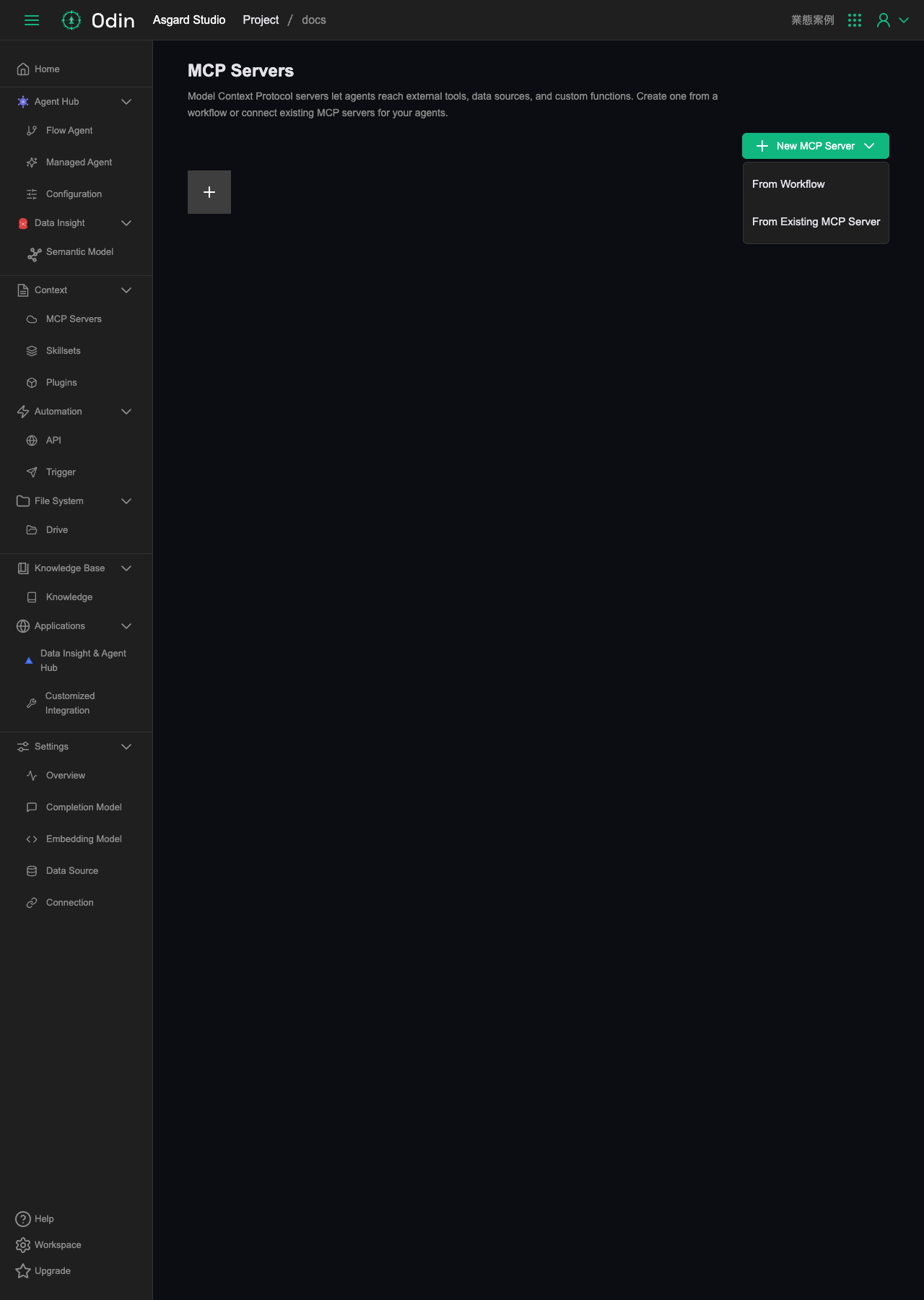
From Workflow needs only Name and Description. Clicking Create produces an empty Workflow where you assemble the tools this MCP Server actually exposes.
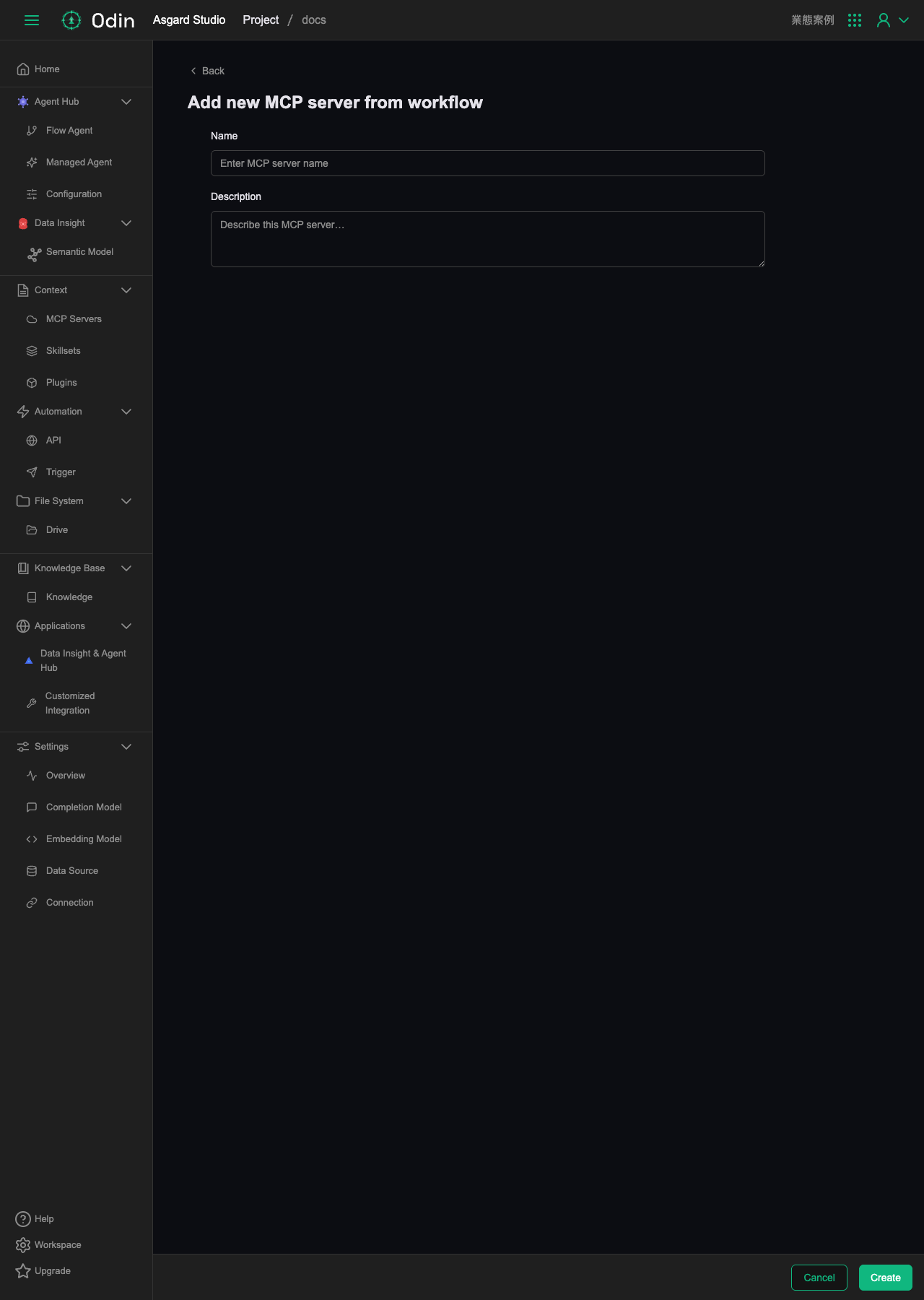
From Existing MCP Server connects to an external MCP Server that already exists and launches over STDIO:
- Name, Description (required).
- Transport Type (required): the connection method, either STDIO or Streamable HTTP. With STDIO, Asgard launches a local process and communicates over standard input and output, which requires the Command and environment variables below. With Streamable HTTP, it connects to an HTTP endpoint that is already running.
- Command (required): the launch command.
npxanduvxare supported. - Arguments (optional): space-separated launch arguments.
- Environment Variables (optional): environment variables passed in over STDIO at run time. You can add multiple Name/Value pairs.
- MCP Server Volume Mounts (optional): mount an existing Drive into this MCP Server's runtime, specifying Mount Path, Sub Path, and whether it is Read Only.