Completion Model
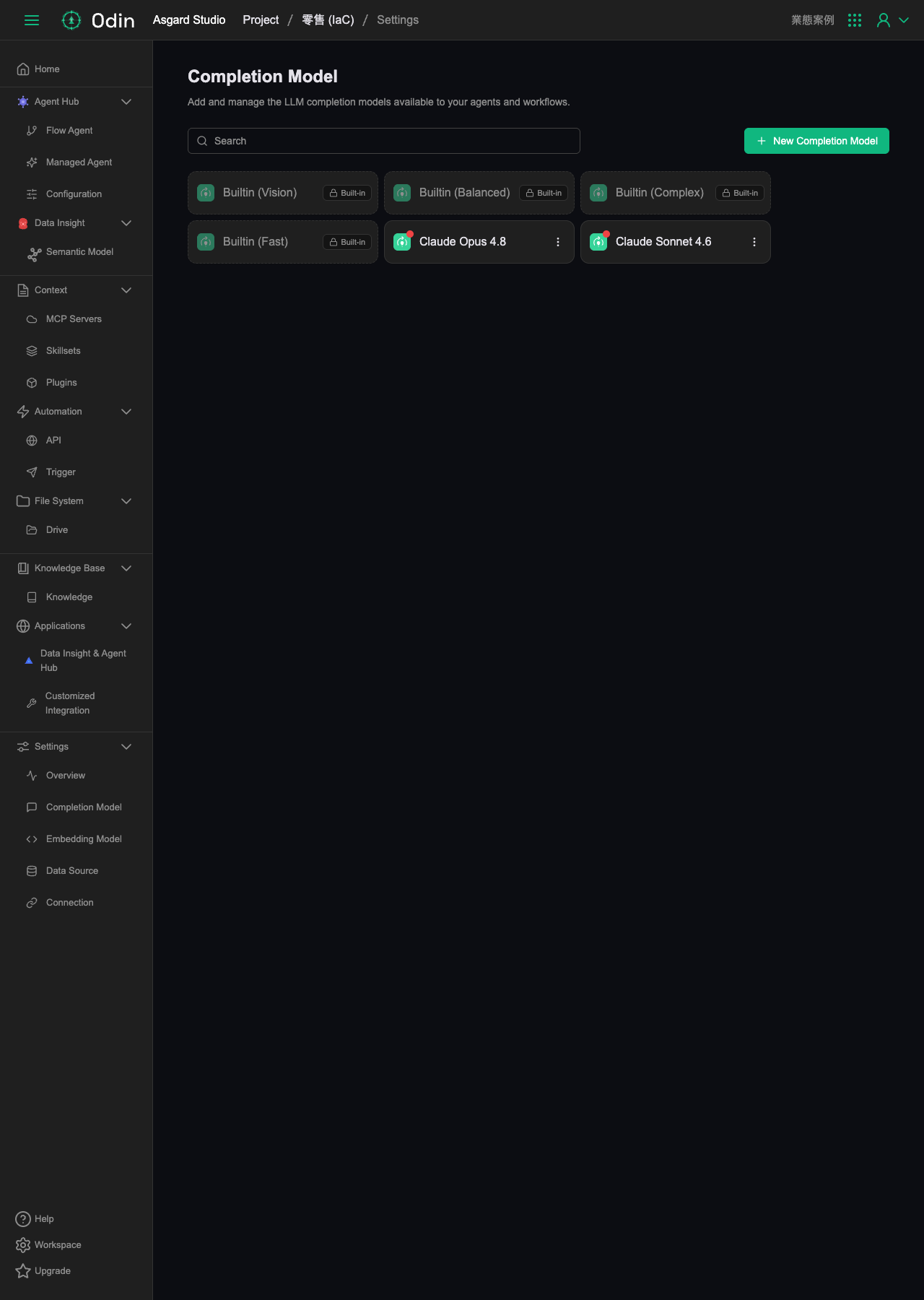
Add and manage the LLM completion models available to your agents and workflows. There's a search box at the top of the page, and a New Completion Model button in the top right.
Built-in models
Odin ships with four models tiered by use case, all marked Built-in — they can't be deleted or edited, only selected directly:
- Builtin (Vision) — handles tasks with image input
- Builtin (Balanced) — general-purpose, a trade-off between quality and speed
- Builtin (Complex) — for more demanding reasoning tasks
- Builtin (Fast) — prioritizes response speed
Self-added models
Besides the built-in models, this project currently has two named models added: Claude Opus 4.8 and Claude Sonnet 4.6. Unlike the built-in ones, these have an extra menu (⋮) on the right for editing or removing them individually, and each has a red dot indicator in the corner (what exact state it signals — newly added, something needing attention — hasn't been confirmed yet).
Adding a custom model
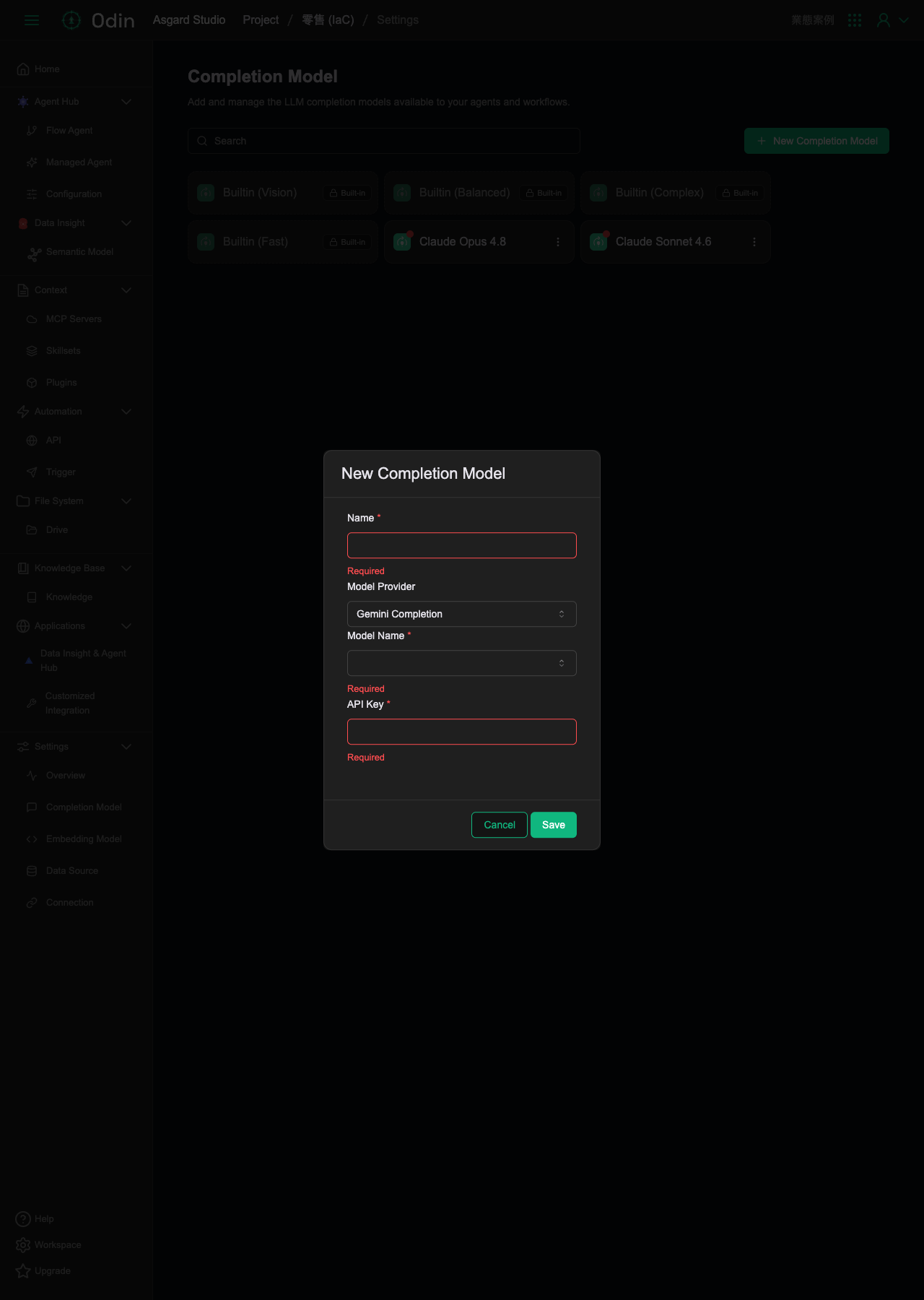
Clicking the New Completion Model button in the top right opens a form with four fields: Name (required, an identifying label), Model Provider (a dropdown, defaulting to Gemini Completion, switchable to other providers), Model Name (required, shows model options for whichever provider is selected), and API Key (required). Click Save to save, or Cancel to discard.