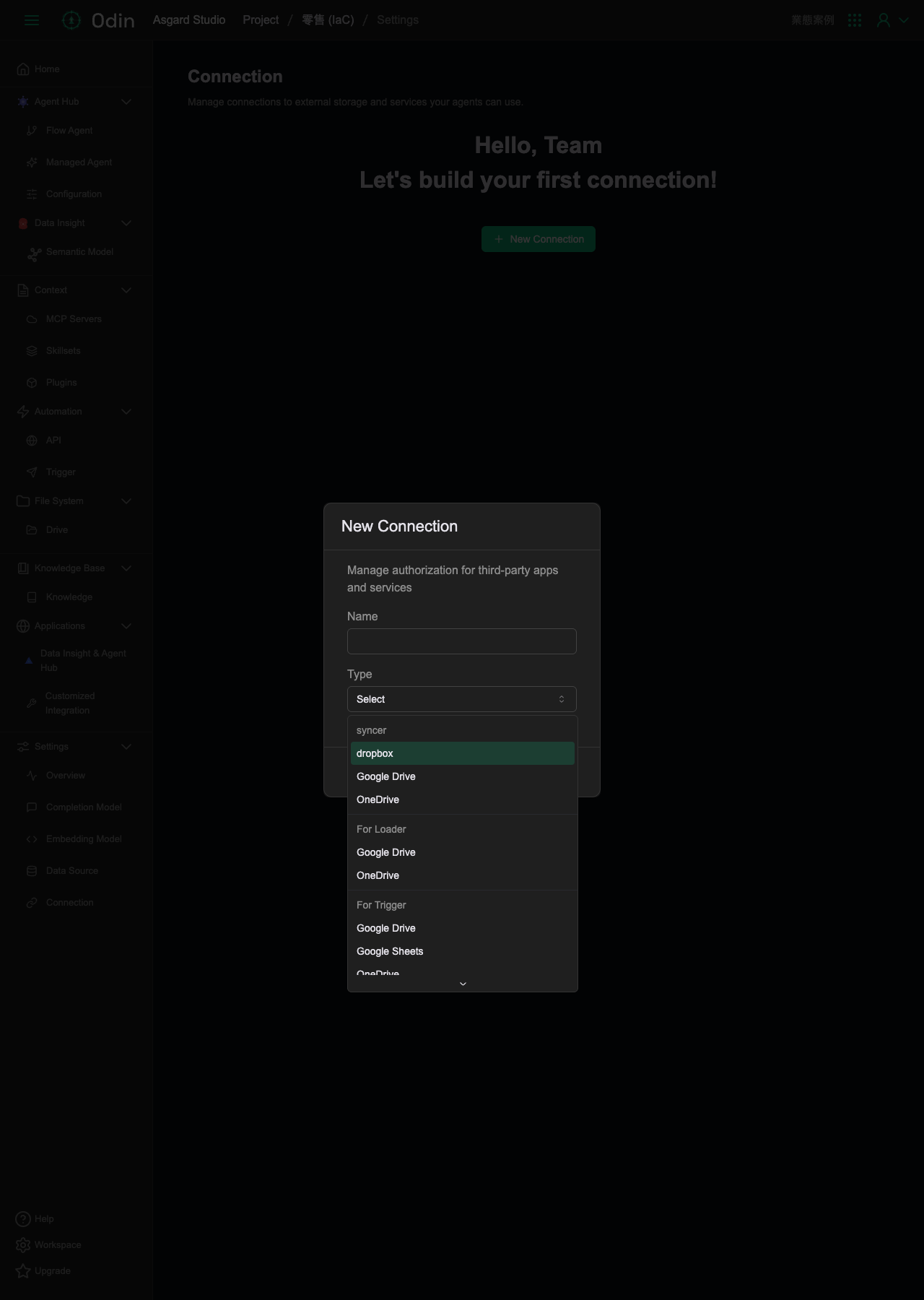
Connection
Manage connections to external storage and services that agents can use. This sample project doesn't have any connections yet, so the screen shows an empty state reading Hello, Team and Let's build your first connection, with a button to add a new connection in the middle.
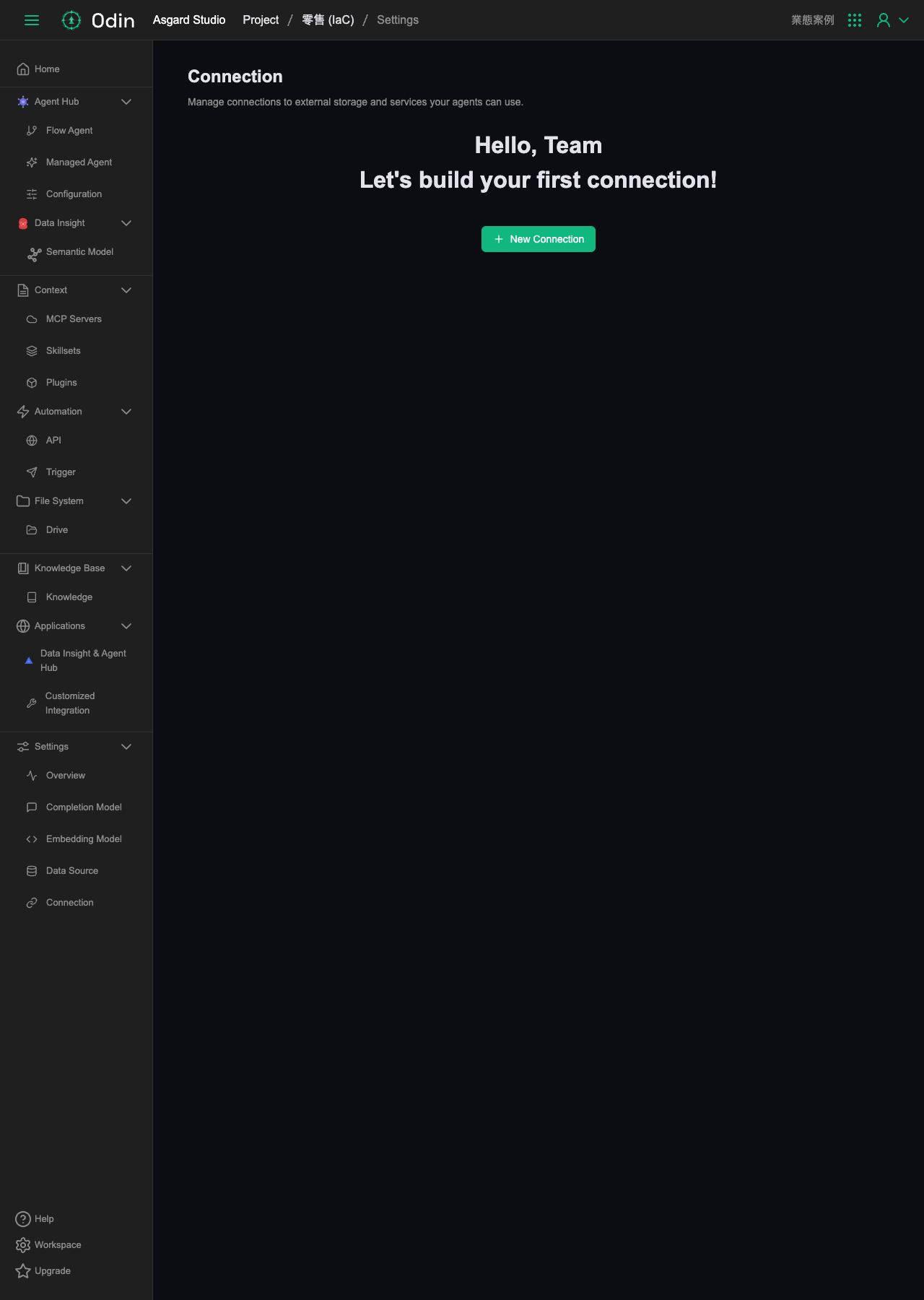
Adding a connection
Clicking New Connection opens a dialog whose subtitle explains that this manages authorization for third-party apps and services — this is an OAuth-style third-party authorization flow, not a direct username/password connection like Data Source. The form has just two fields: Name (text) and Type (a dropdown, defaulting to Select). The buttons are Cancel and Authorize — Authorize rather than Save, matching the external-authorization flow.
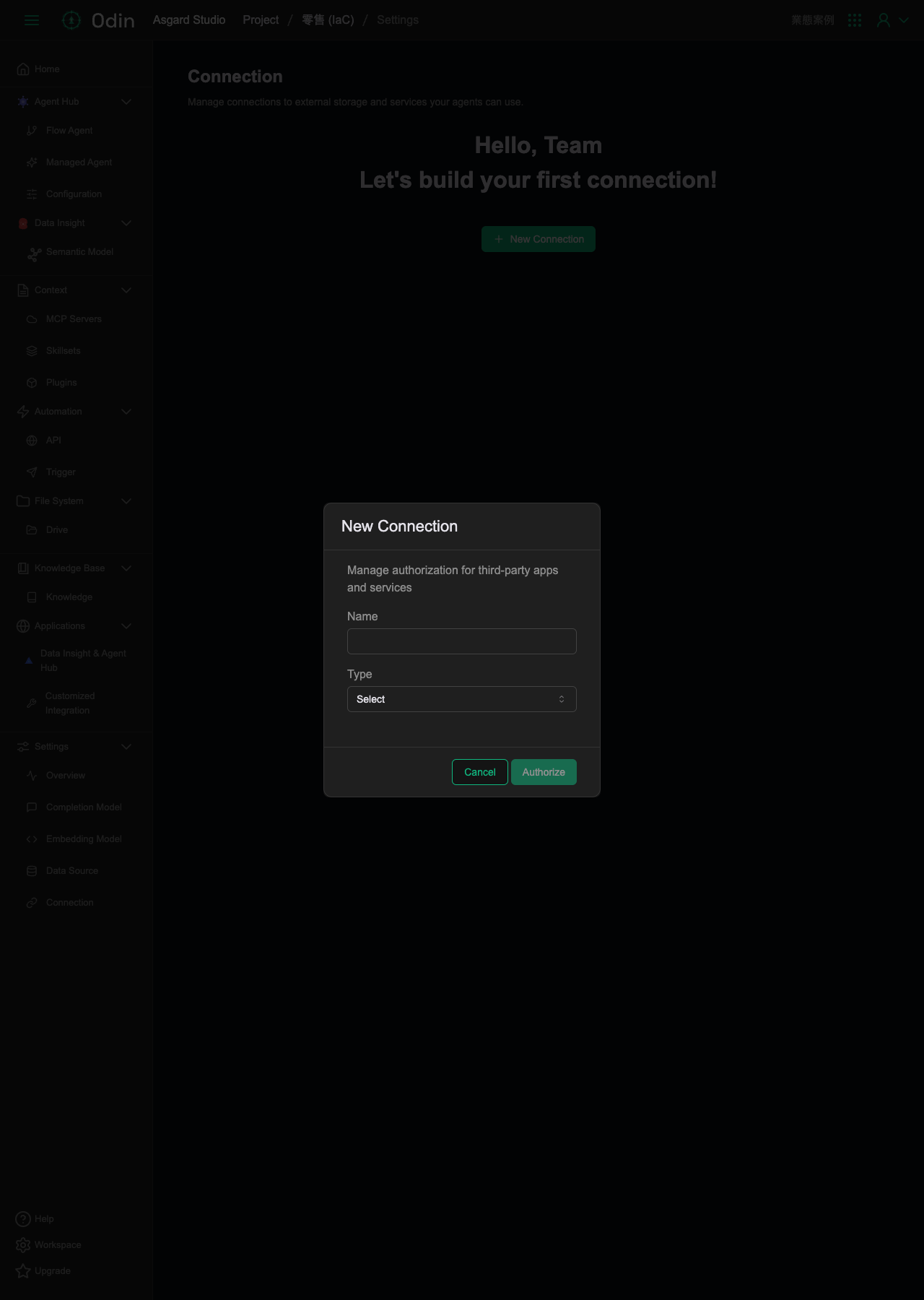
Connection types
The Type dropdown isn't a flat list of services — it's grouped by purpose. The groups currently visible (the list can be scrolled further, so there may be more):
- syncer: dropbox, Google Drive, OneDrive
- For Loader: Google Drive, OneDrive
- For Trigger: Google Drive, Google Sheets, OneDrive, OneDrive Workbook (Excel)
In other words, the same service (e.g. Google Drive, OneDrive) repeats across different purpose-based groups. The actual set of authorizable external services is Dropbox, Google Drive, OneDrive, Google Sheets, and OneDrive Workbook (Excel) — the groups aren't separate services in themselves.