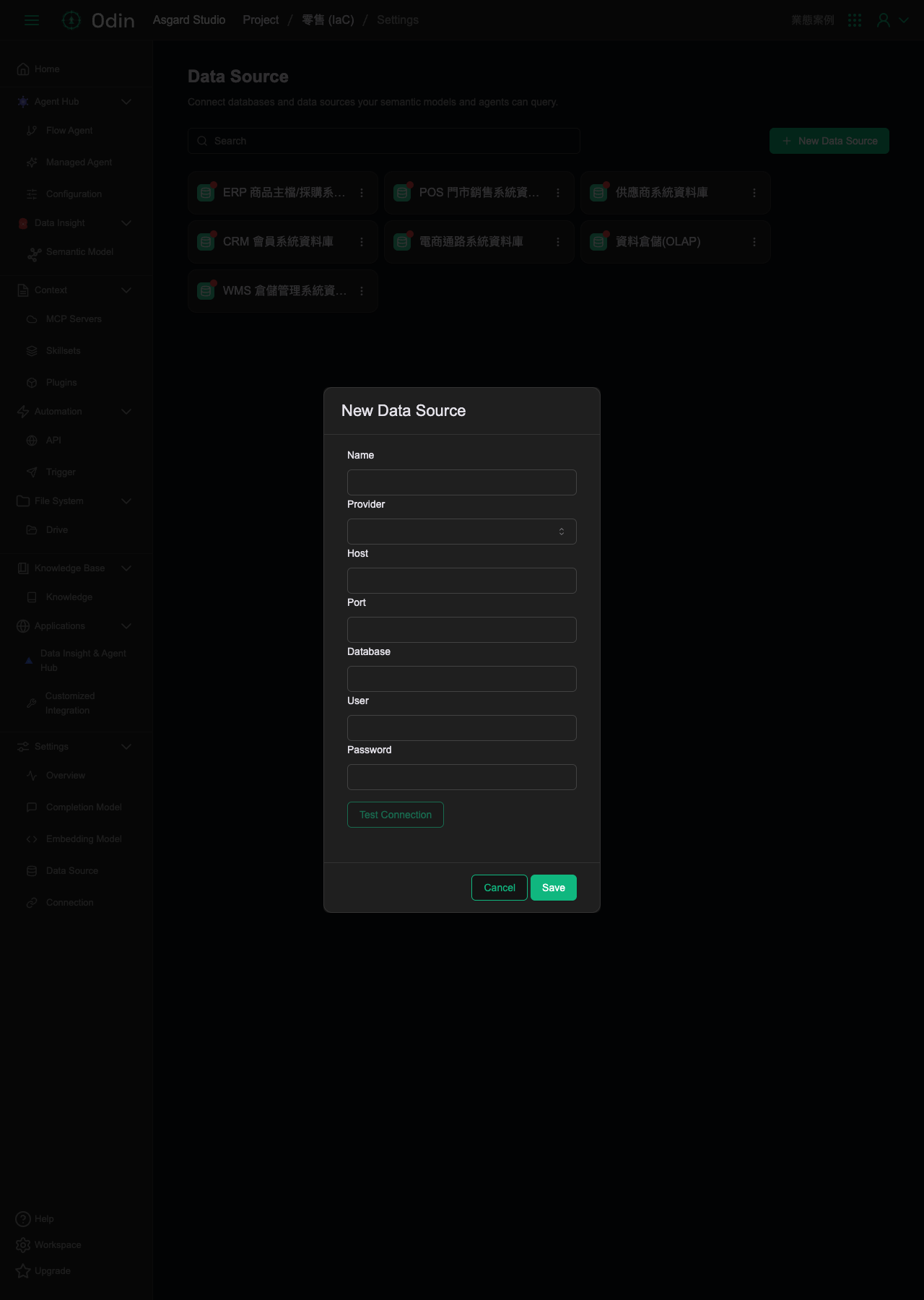
Data Source
Connect databases and data sources your semantic models and agents can query. There's a search box at the top of the page, and a New Data Source button in the top right.
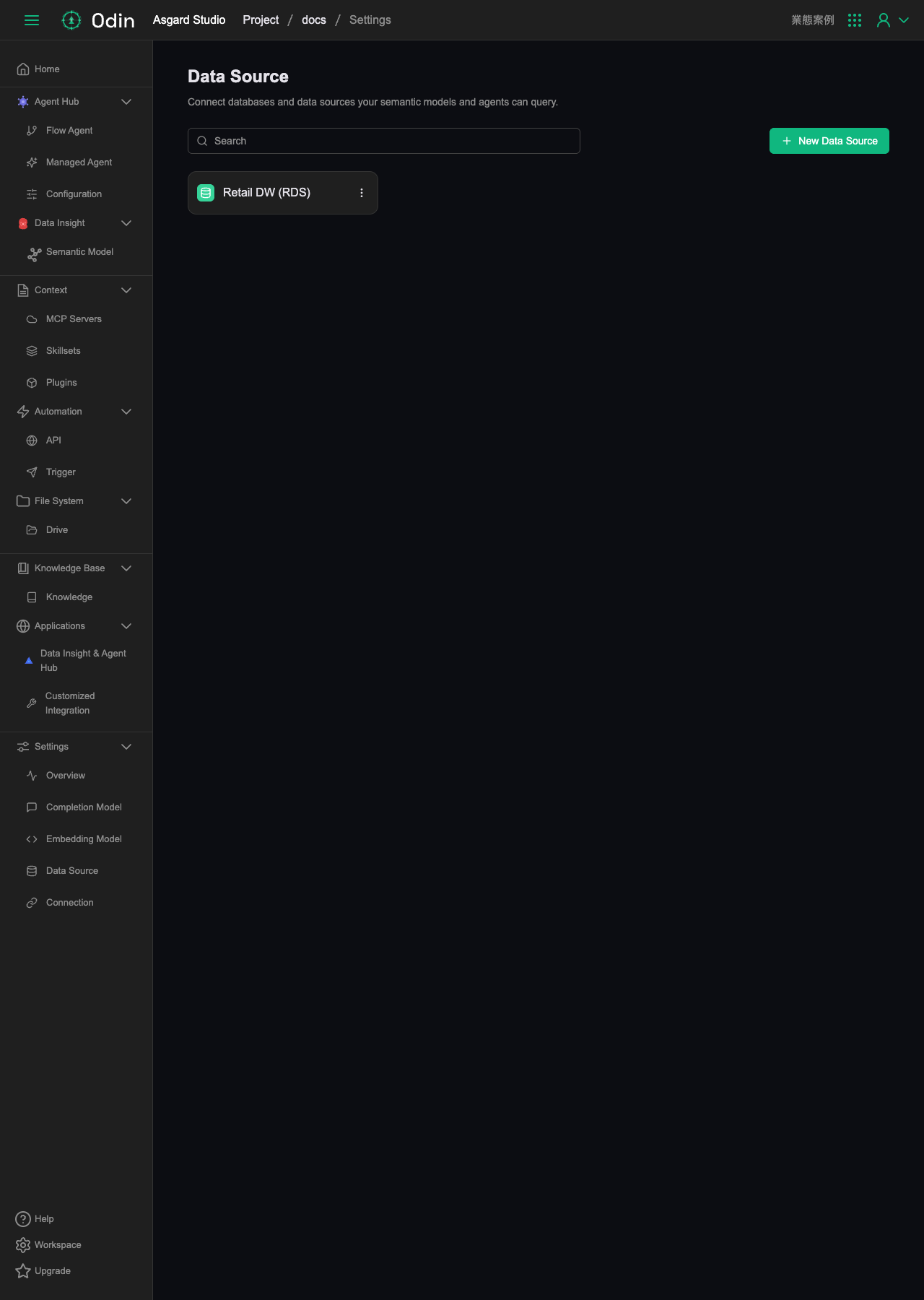
This project currently has one data source connected, "Retail DW (RDS)" — a PostgreSQL connection to the retail_dw (retail data warehouse) schema, used to verify the full connect-and-generate-schema flow on the Semantic Model page.
Supported database providers
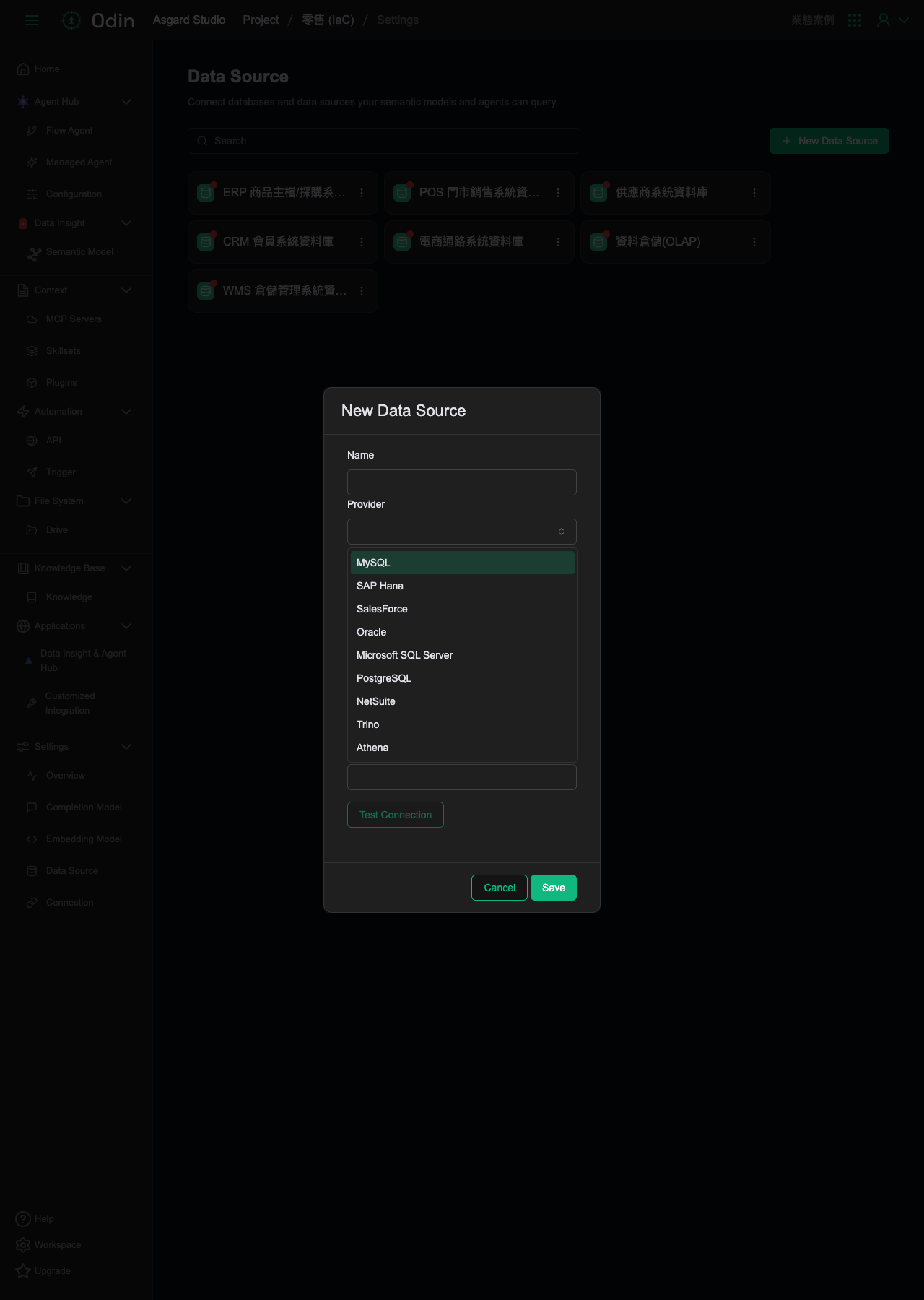
Clicking the New Data Source button in the top right opens a form; the Provider field is a dropdown currently supporting nine options:
- MySQL
- SAP Hana
- SalesForce
- Oracle
- Microsoft SQL Server
- PostgreSQL
- NetSuite
- Trino
- Athena
Adding a data source connection
The form fields are Name, Provider (one of the nine above), Host, Port, Database, User, and Password. Once filled in, you can click Test Connection to check it works before clicking Save. Unlike the Completion Model / Embedding Model forms, this form doesn't mark any fields as required on screen.