Embedding Model
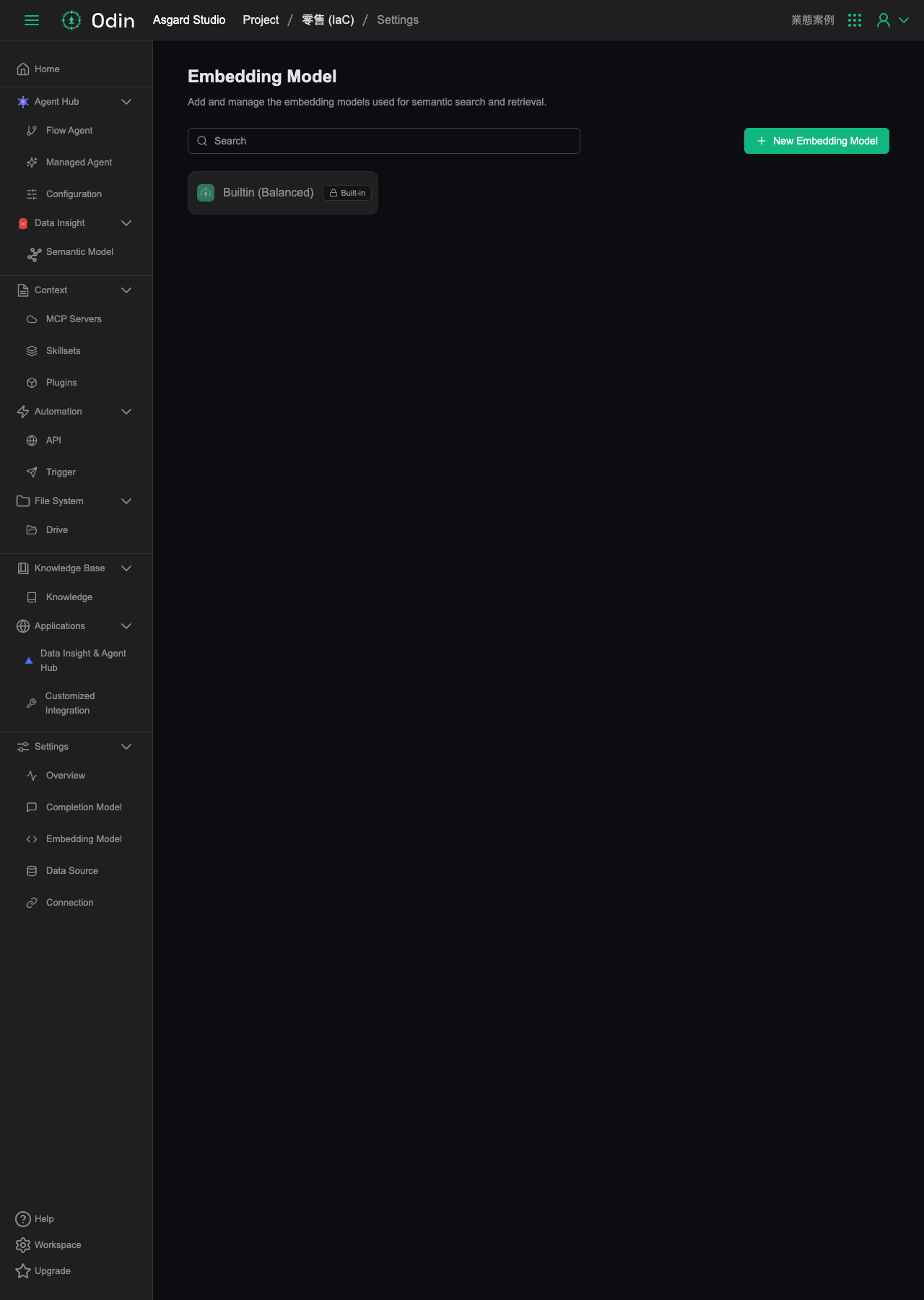
Add and manage the embedding models used for semantic search and retrieval. There's a search box at the top of the page, and a New Embedding Model button in the top right.
Built-in models
Unlike Completion Model, Embedding Model currently ships with only one tiered model, marked Built-in and not deletable or editable:
- Builtin (Balanced) — general-purpose embedding model
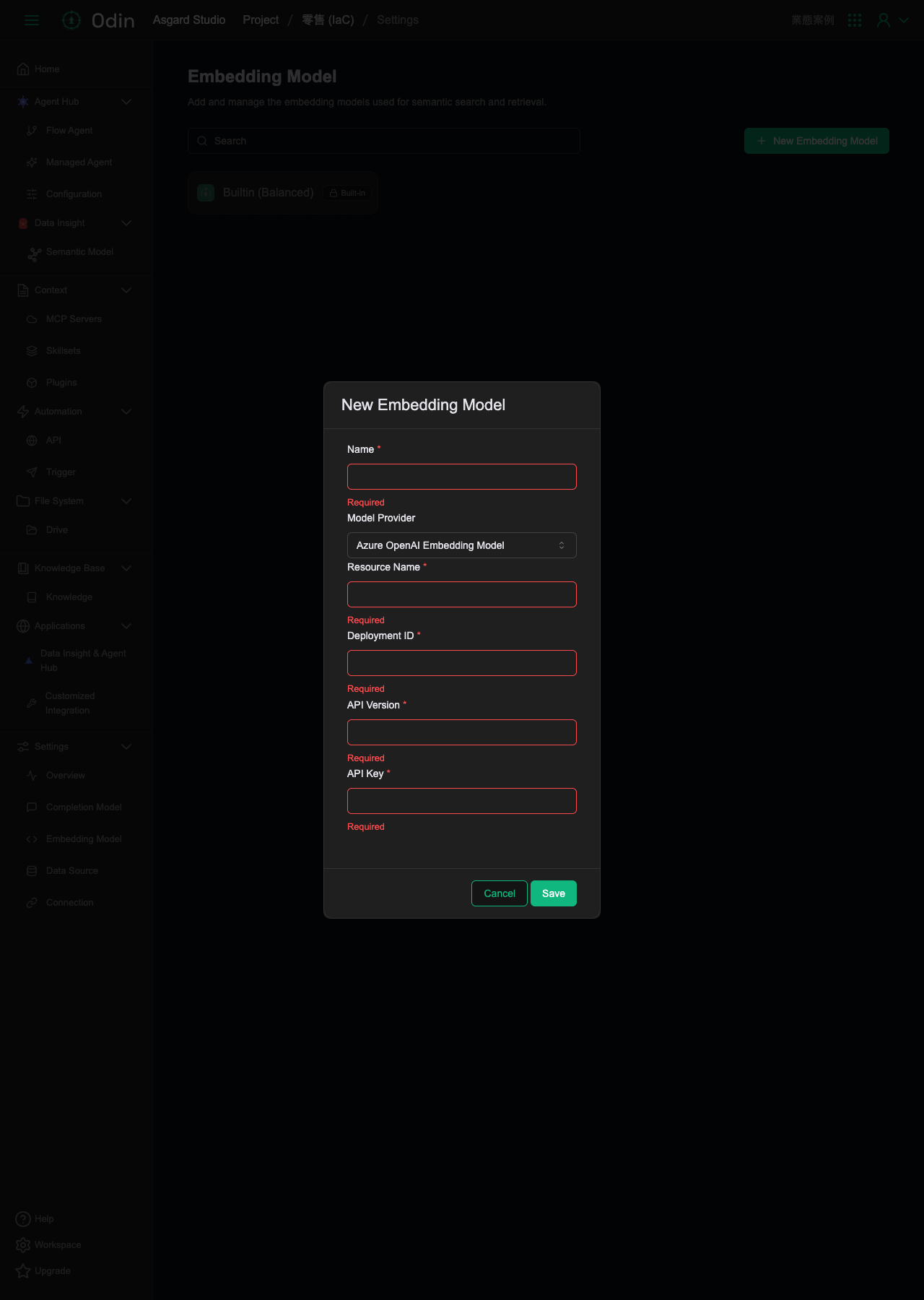
Adding a custom model
Clicking the New Embedding Model button in the top right opens a form. Unlike the Completion Model form, the fields here change depending on Model Provider: the default selection is Azure OpenAI Embedding Model, which requires Name (required), Model Provider (dropdown), Resource Name (required), Deployment ID (required), API Version (required), and API Key (required) — six fields in total, more than Completion Model's form. Click Save to save, or Cancel to discard.