Directory
A Directory is a folder inside the current Project, gathering one long-running topic that needs repeated discussion into one place, holding both conversations (Chats) and files (Files). This differs from My Chat, where each conversation stands alone.
The Directory item in the sidebar shows a number after it, which is how many Directories this Project currently has. A zero means none has been created yet.
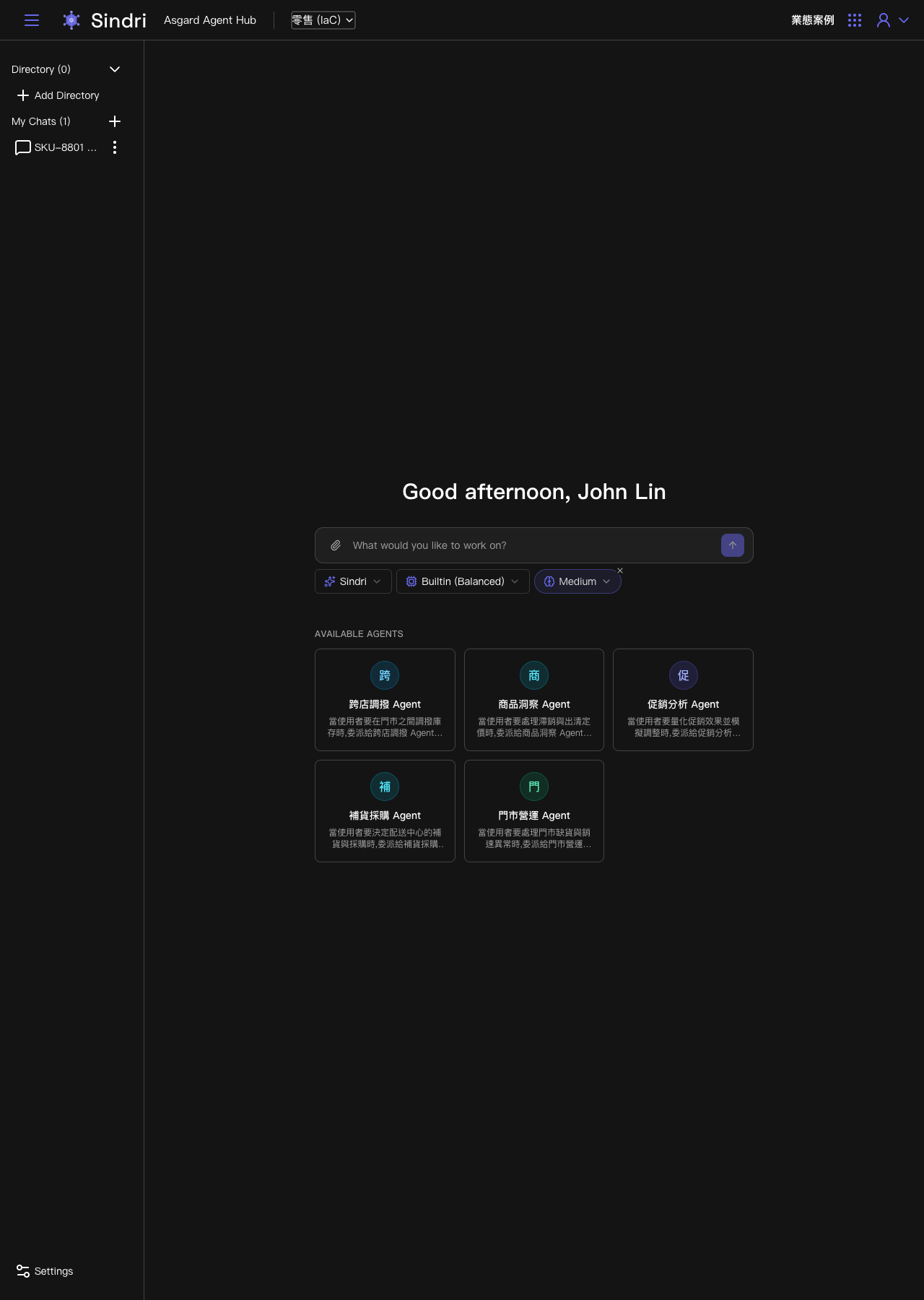
Creating a Directory
Clicking Add Directory opens a creation form, which explains that a Directory's purpose is to keep conversations and files together in one place for easier management. Enter a name and press Save to create it.
A newly created Directory is empty. The screen notes that there are no conversations yet and points you to New Conversation to start the first one. Inside, the screen has three parts:
- Chats: the conversations opened under this Directory.
- Files: the files uploaded to this Directory.
- New Conversation: open a new conversation directly under this Directory. Once submitted, the question is handled by the same delegation logic as on the Agent Hub home, and the reply stays under this Directory.
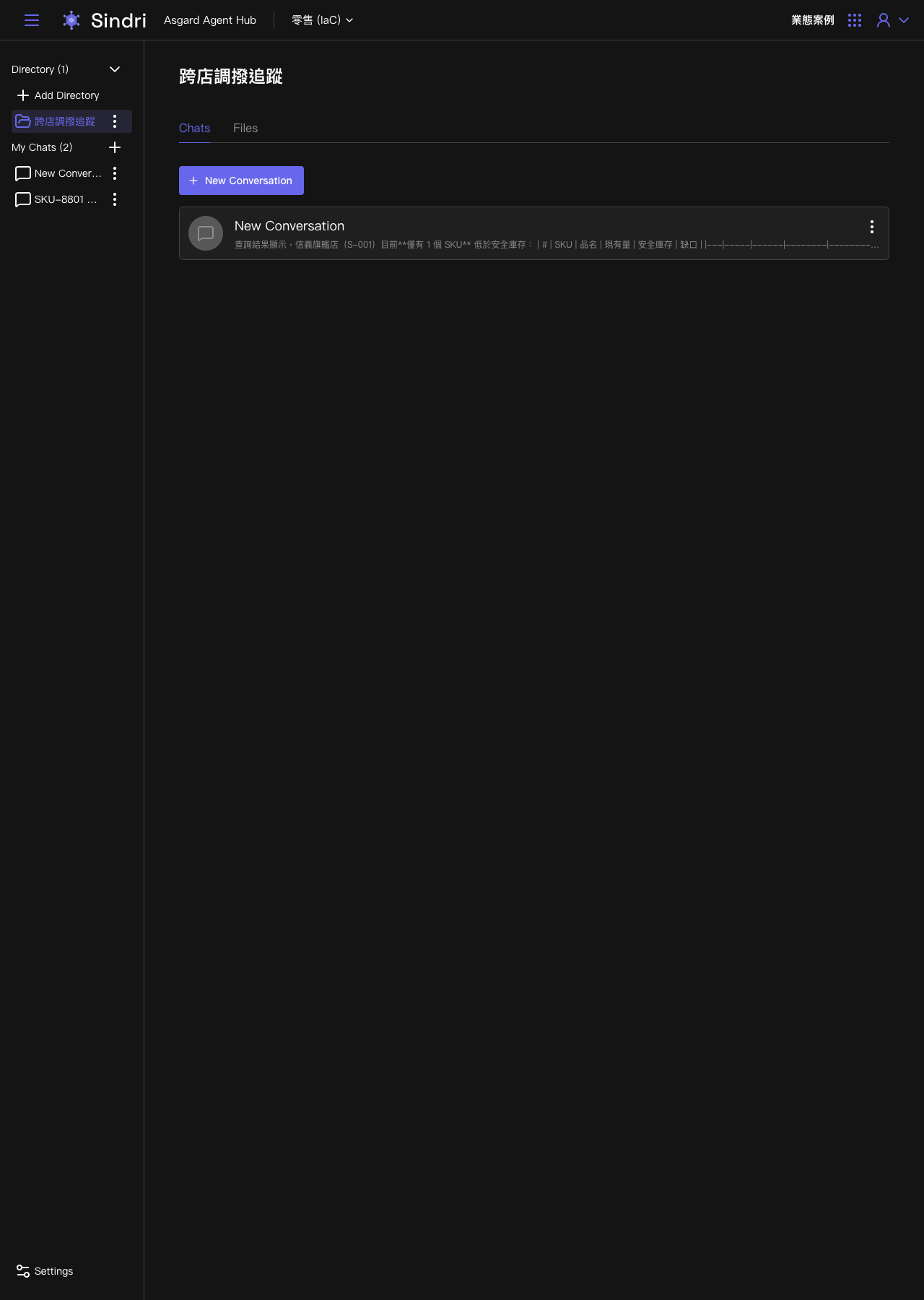
Conversations opened inside a Directory stay under the same topic for later review, and files related to that topic can be uploaded to the Directory's Files tab for the delegated Agent to refer to during the conversation. That Files tab and the Files panel under Panels inside a conversation are in fact the same data, because the conversation's Sandbox working directory is mounted into this Directory's shared file space.